
macOS Universal
One application for both Intel and Apple Silicon Macs.
- Architecture
- Intel (x86_64) + Apple silicon (arm64)
- Requires
- macOS 14.4 or later
Until then, Intel Macs have no edition: the Apple Silicon build does not run on them.
View, annotate, edit, convert and present engineering drawings with precision.
A powerful offline workspace for Mac, Windows and Linux.
One thoughtful workspace for the work around your drawings. Open a folder, find the detail, make your point, and send it on.
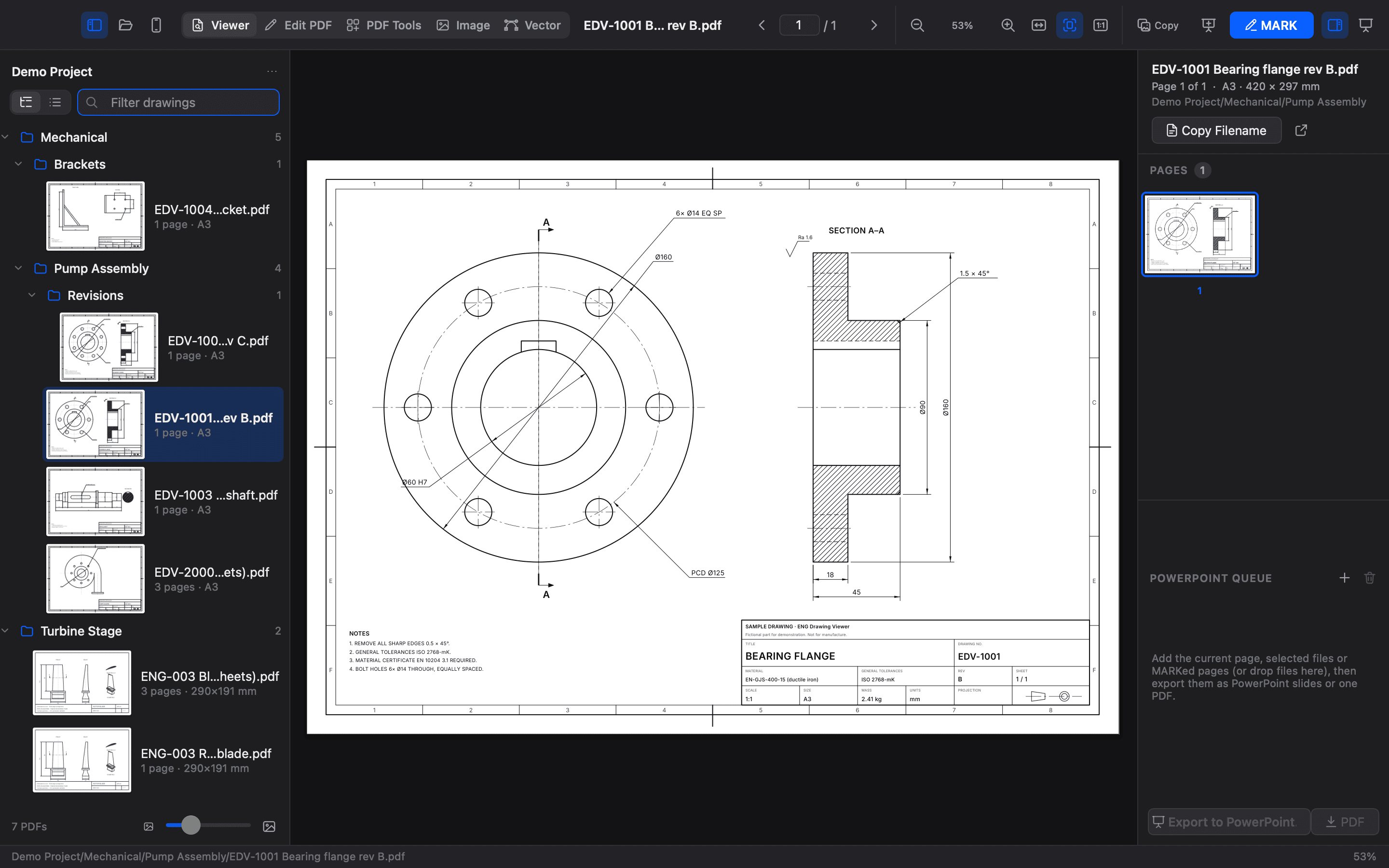
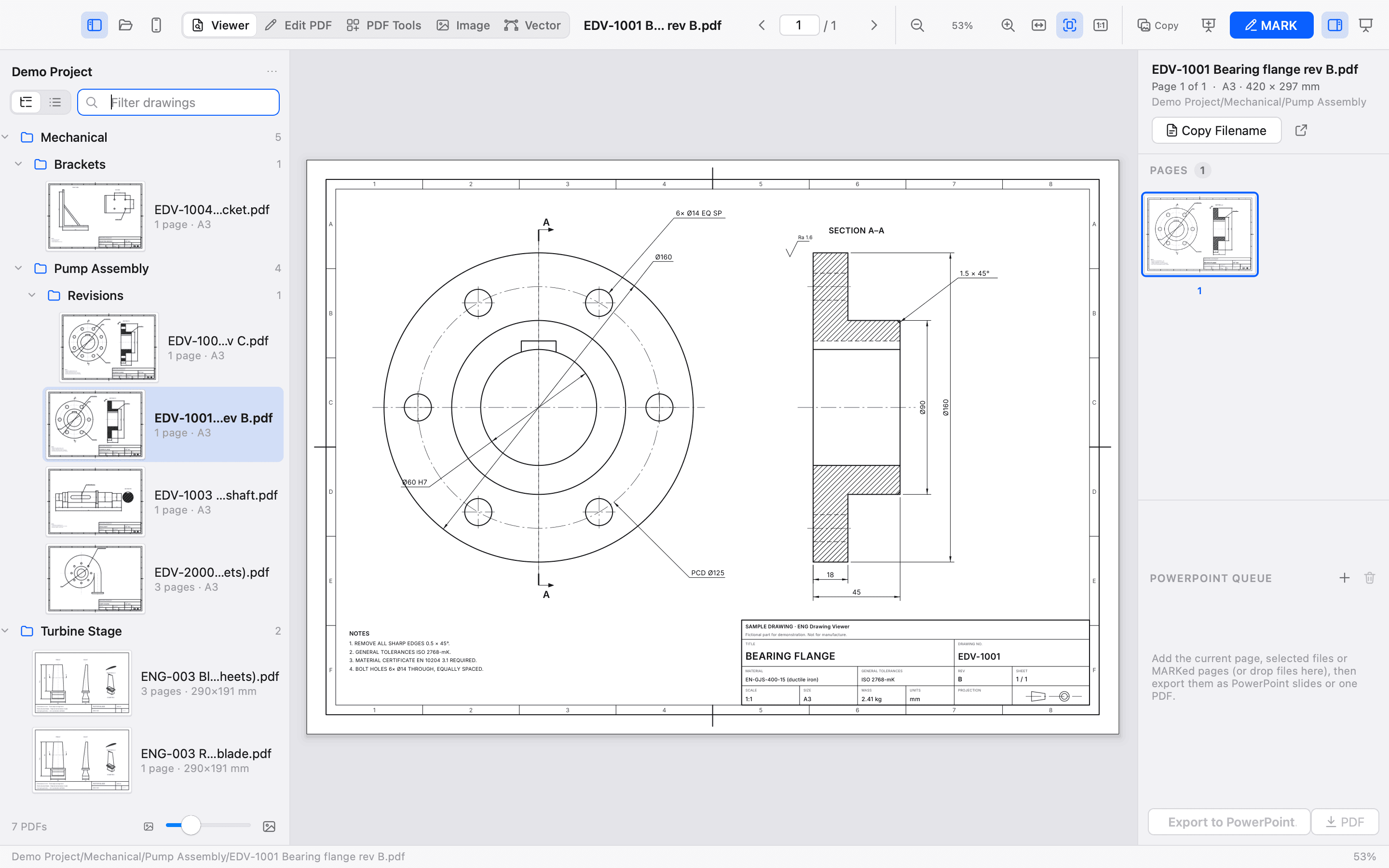
Dense sheets deserve a clear view. Tile-based rendering keeps fine linework crisp as you move from the whole picture to the smallest detail.
Real application zoom range
Plus ANSI sheet recognition
DPI clipboard copies
Nested folders. Multiple PDFs. Adjustable thumbnails. Multi-page navigation, panning and drag and drop. A library that keeps up.
Pen, highlight, circle, arrow. Add numbered callouts with linked comments. Undo, refine, and copy your review. The original PDF stays untouched.
1 A number on the sheet. A thought beside it.
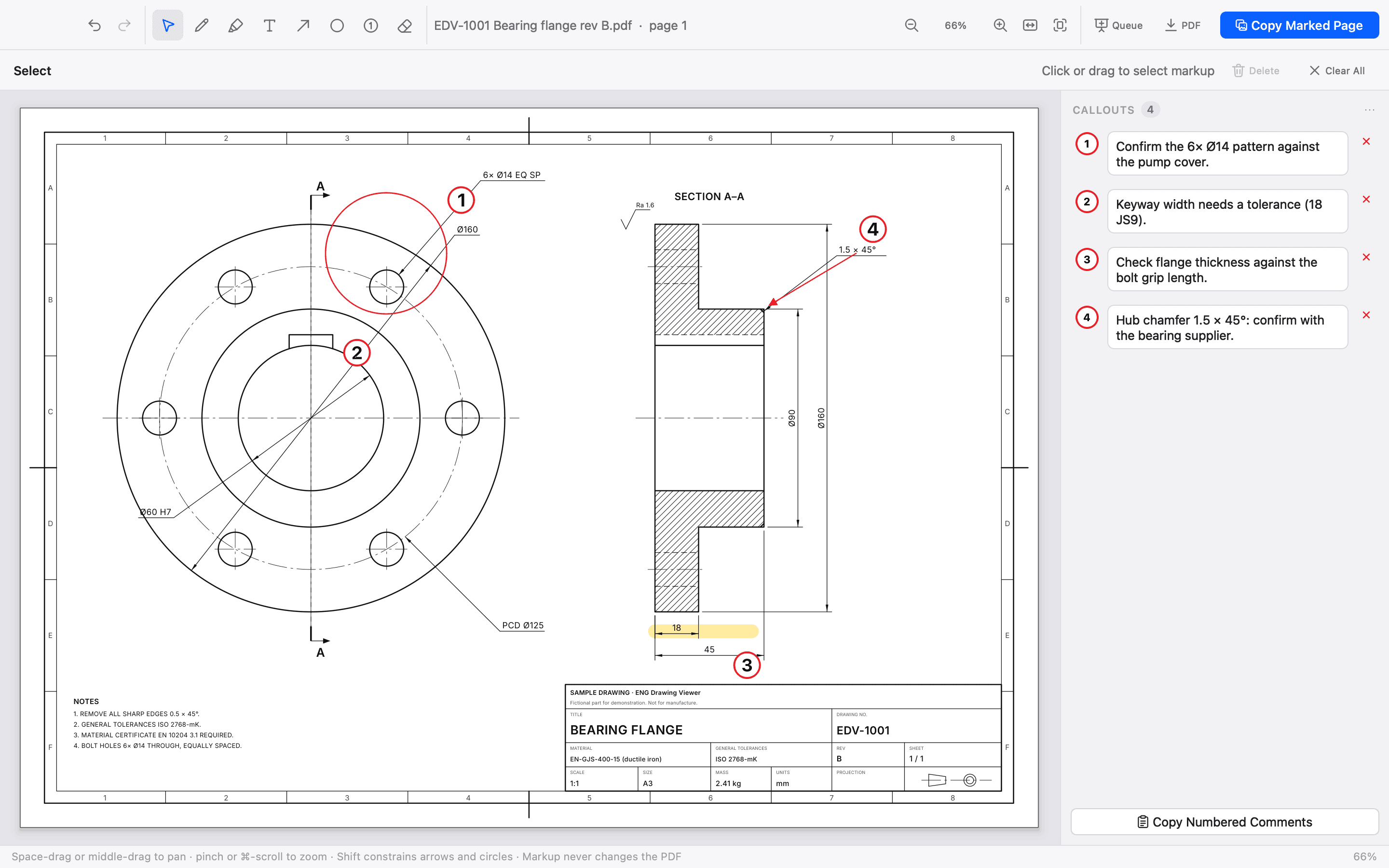
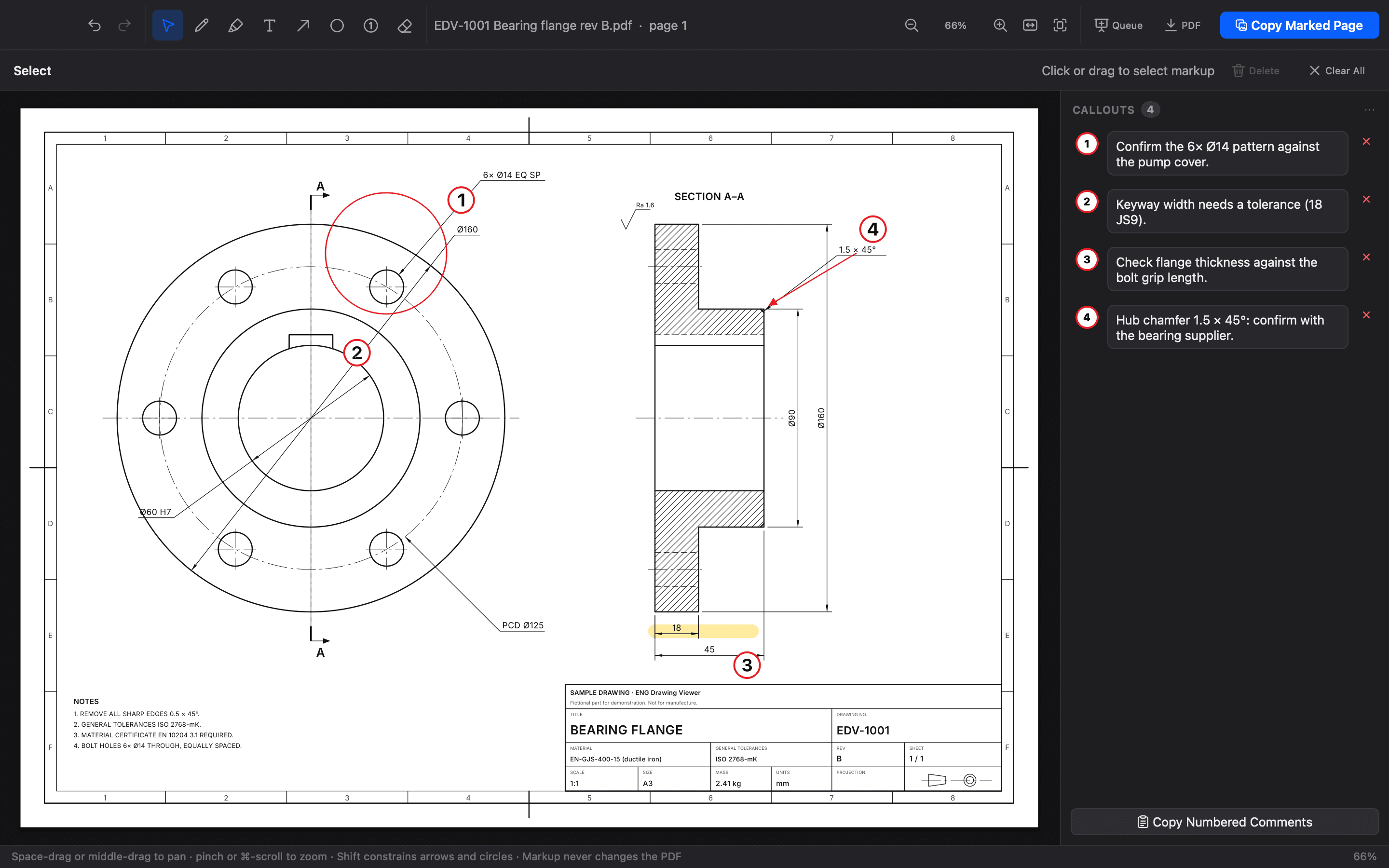
MARK in the app · live size previews · select, restyle, delete · copy at 300 DPI
Queue your pages. Arrange your story. Export to PowerPoint with your drawing on the right and editable numbered comments on the left.
Added to the PowerPoint queue · 3 comments
Real output of version 2.3.0. MARK added the callouts and the app’s own export wrote the deck; title, comments, picture and positions above are read from that file. In PowerPoint the comments are editable text.
Write .pptx files locally
Your notes stay useful
New deck or existing presentation
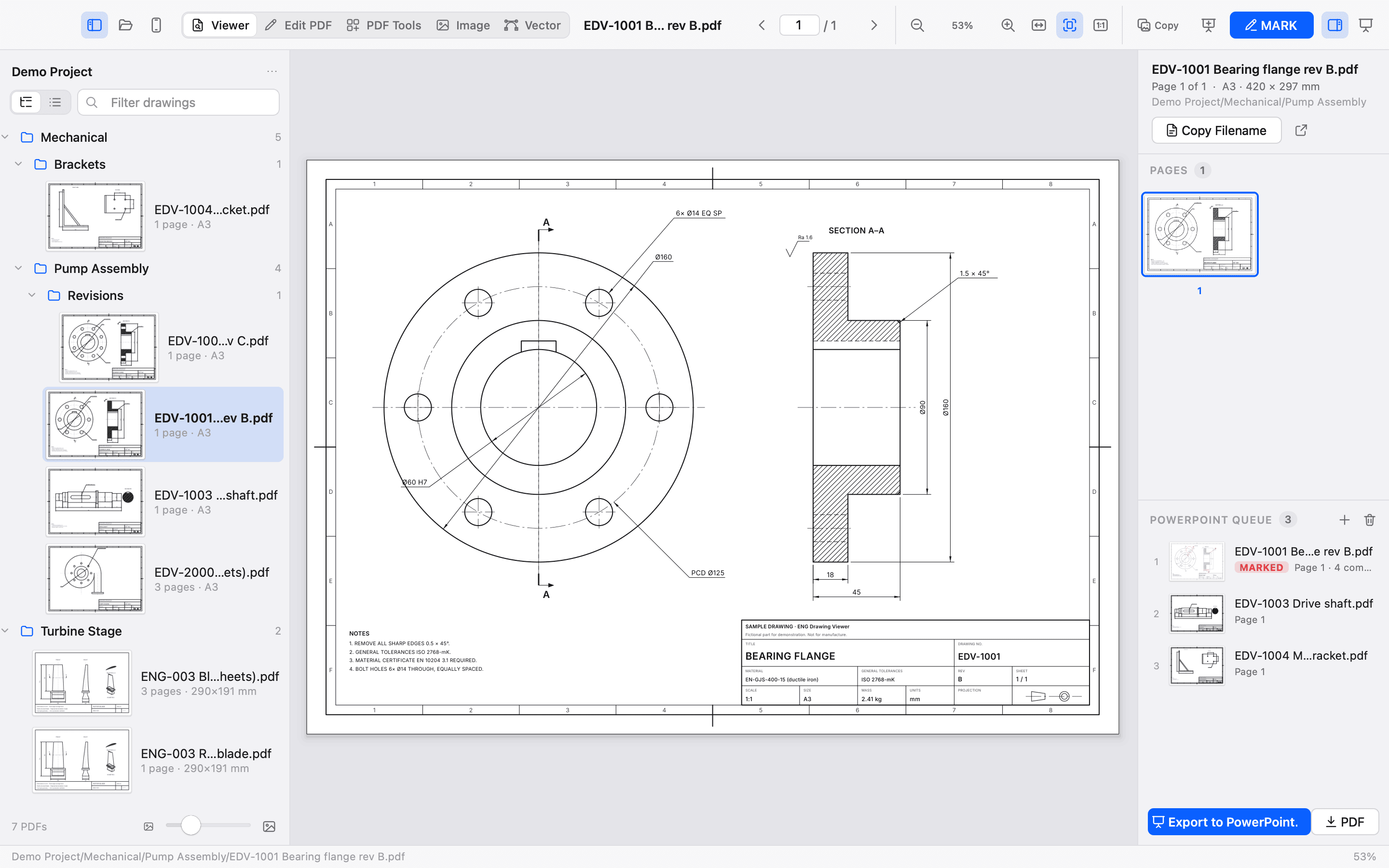
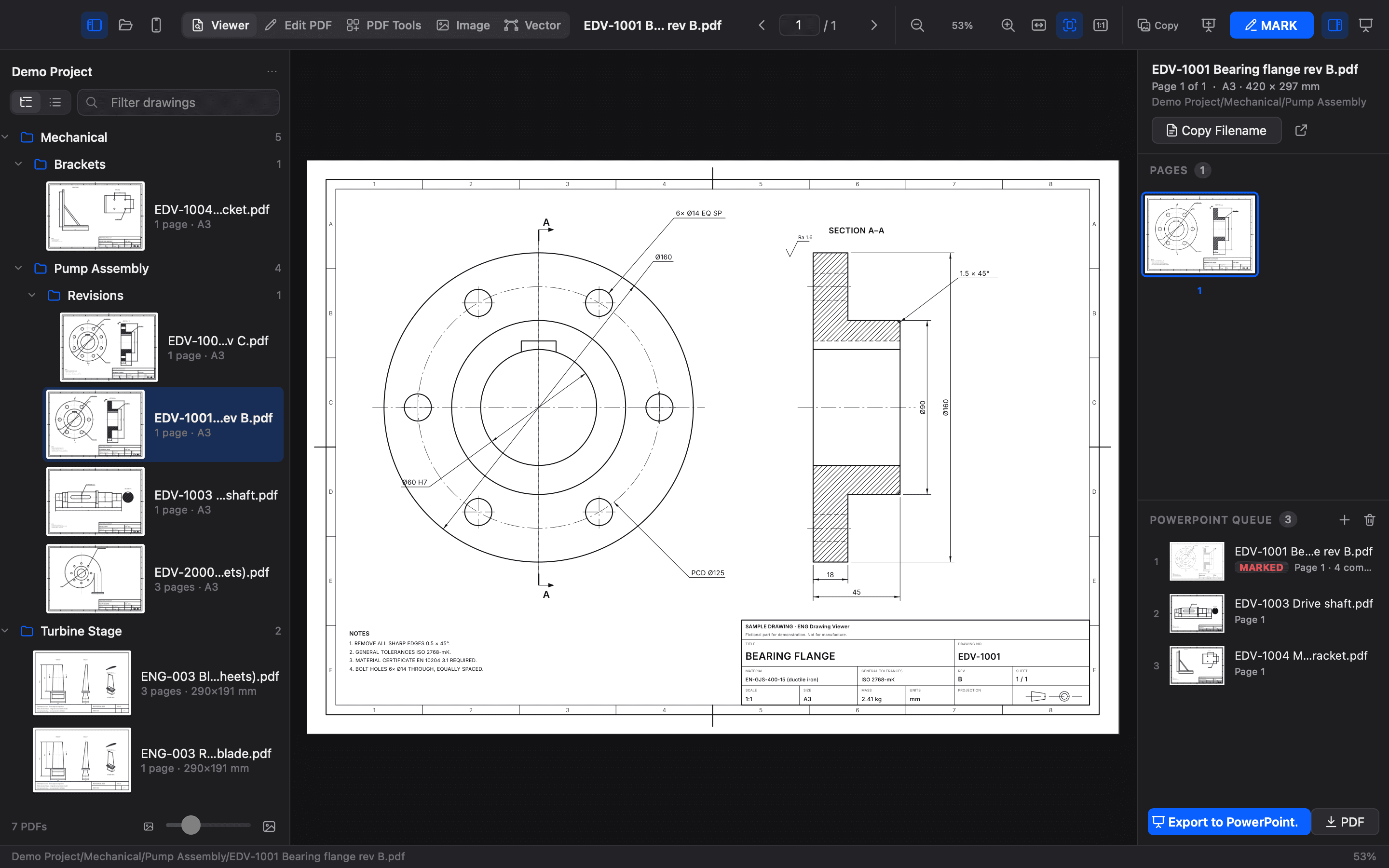
The PowerPoint queue in the app · Sample drawings
Edit PDF, Image and Vector sit on their own tabs beside the Viewer and PDF Tools. They work on your computer, like everything else.
MARK adds a temporary review layer and never touches the original. Edit PDF changes the document itself and saves a new PDF, with undo for the whole session.
Pens, highlights, numbered callouts and comments over the page. Copy, queue or save a marked copy.
Real PDF content: searchable text, shapes, images, notes, redaction, rotation and crop. Saved with Save As.
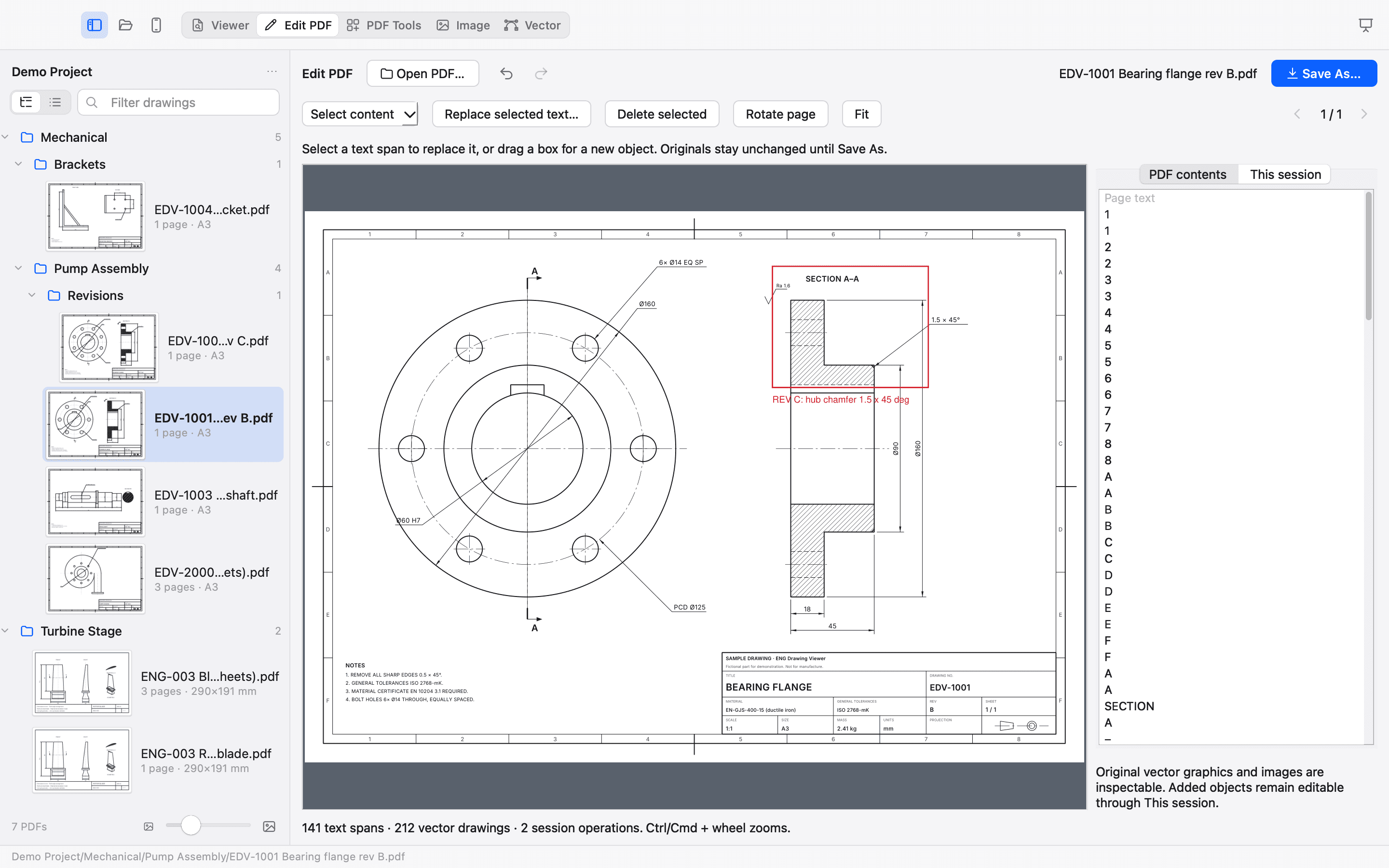
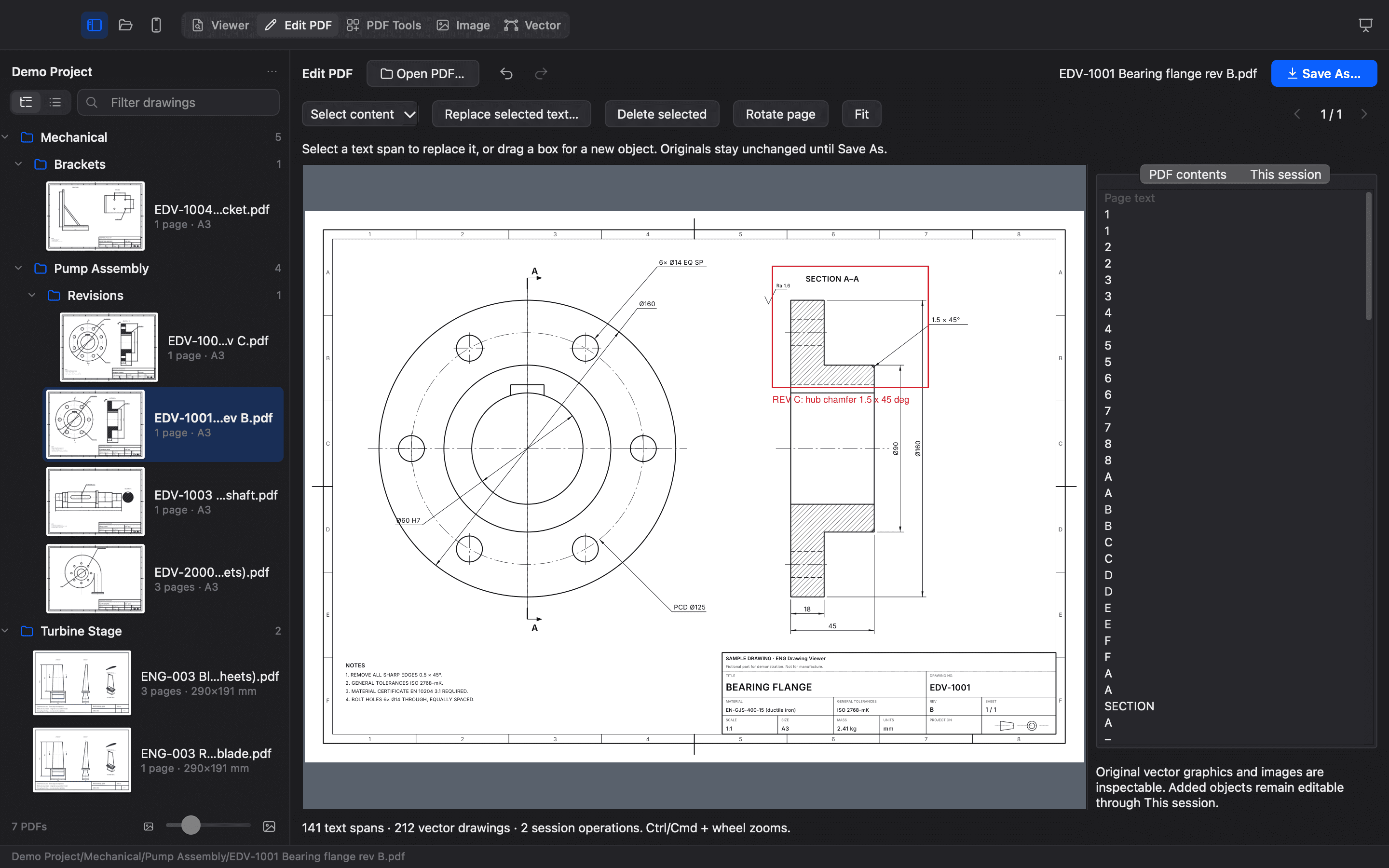
Edit PDF in the app · a box and a revision note added as real PDF content
Original PDFs don’t carry an editable design structure: original vector linework, images and form fields can be inspected but not reshaped, and replacement text uses standard Latin-1 PDF fonts.
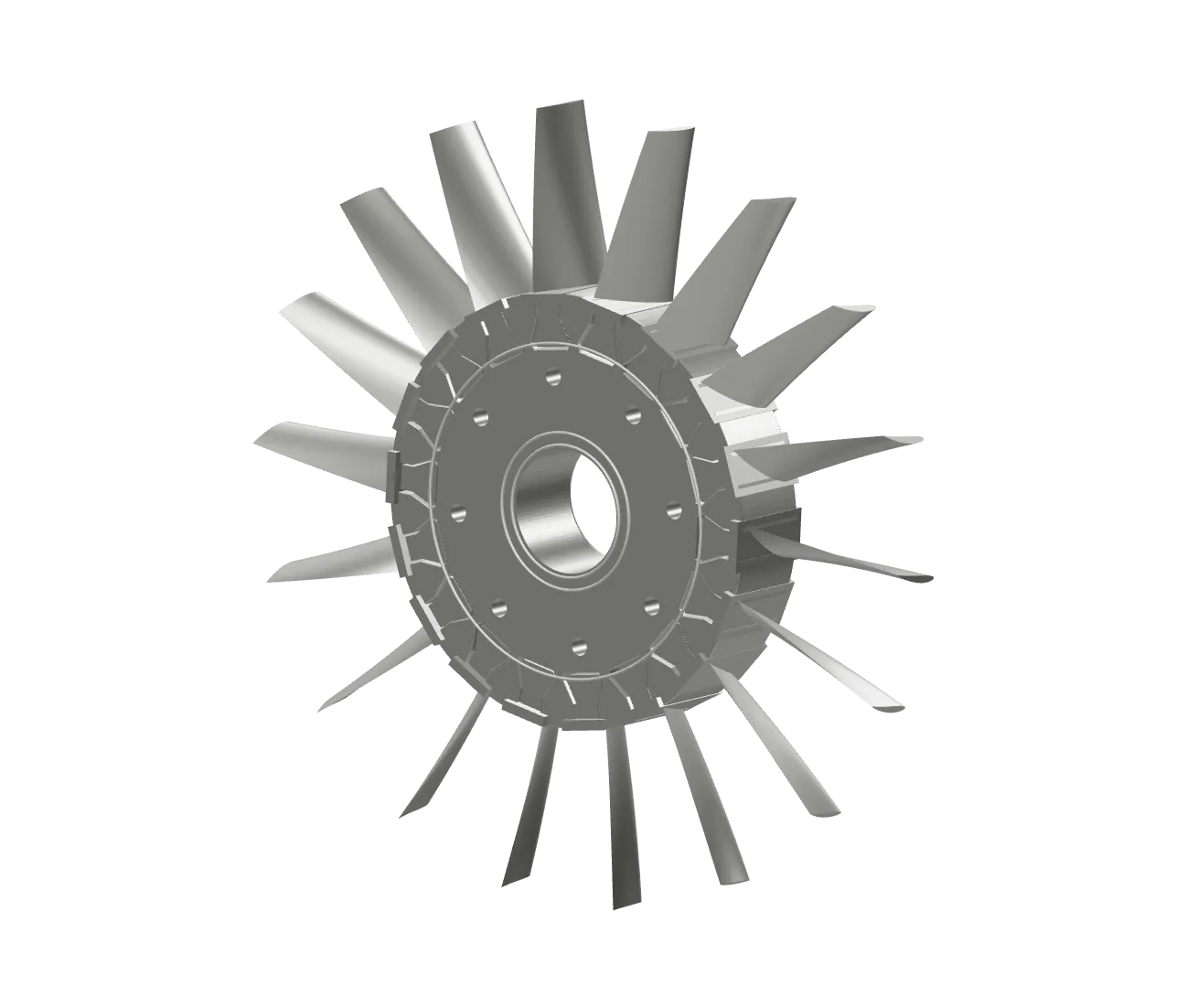
Site photos, product shots, scans. A layered image editor with selections, masks, healing and exports sized to fit, without leaving your drawings.
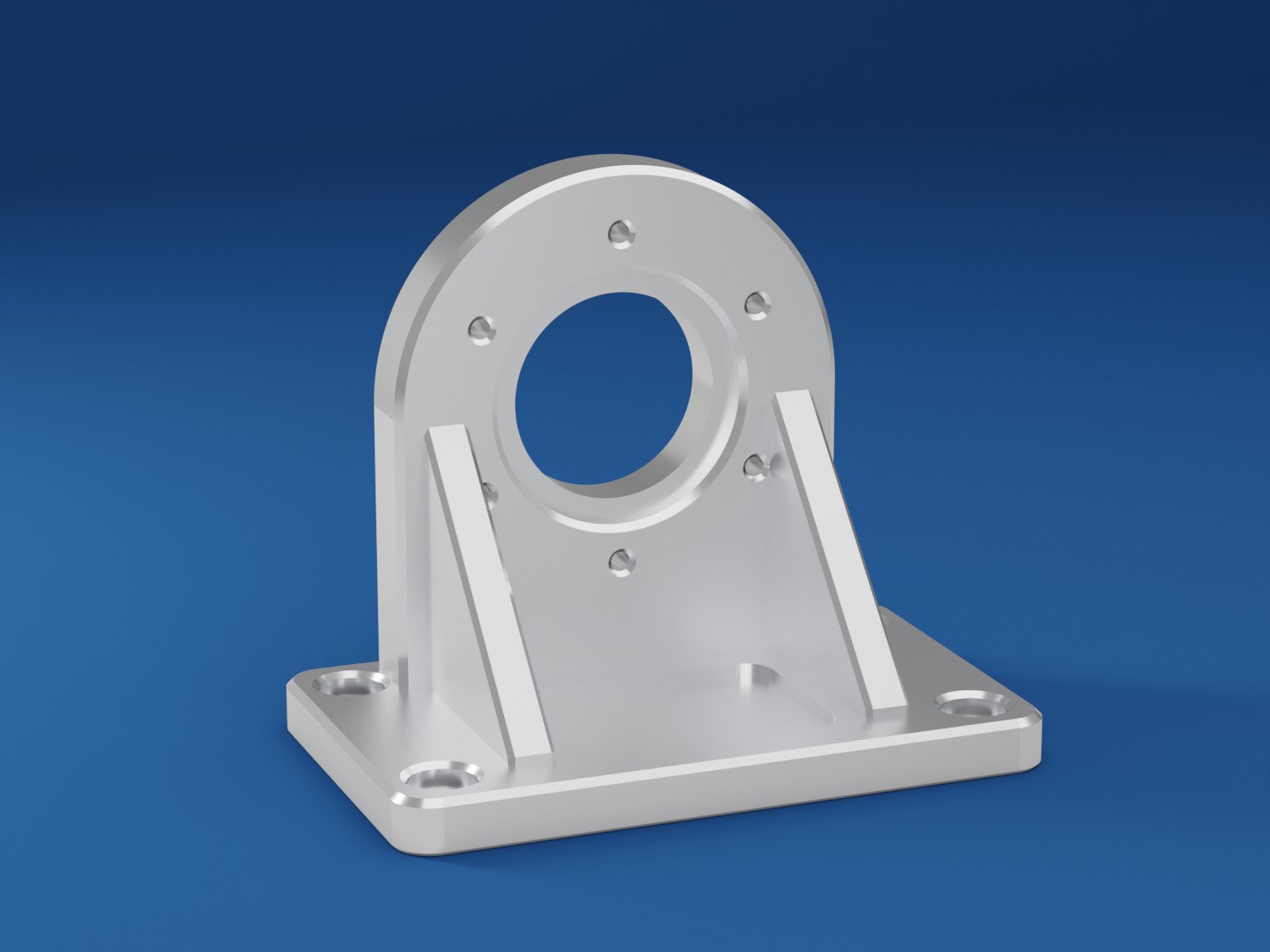
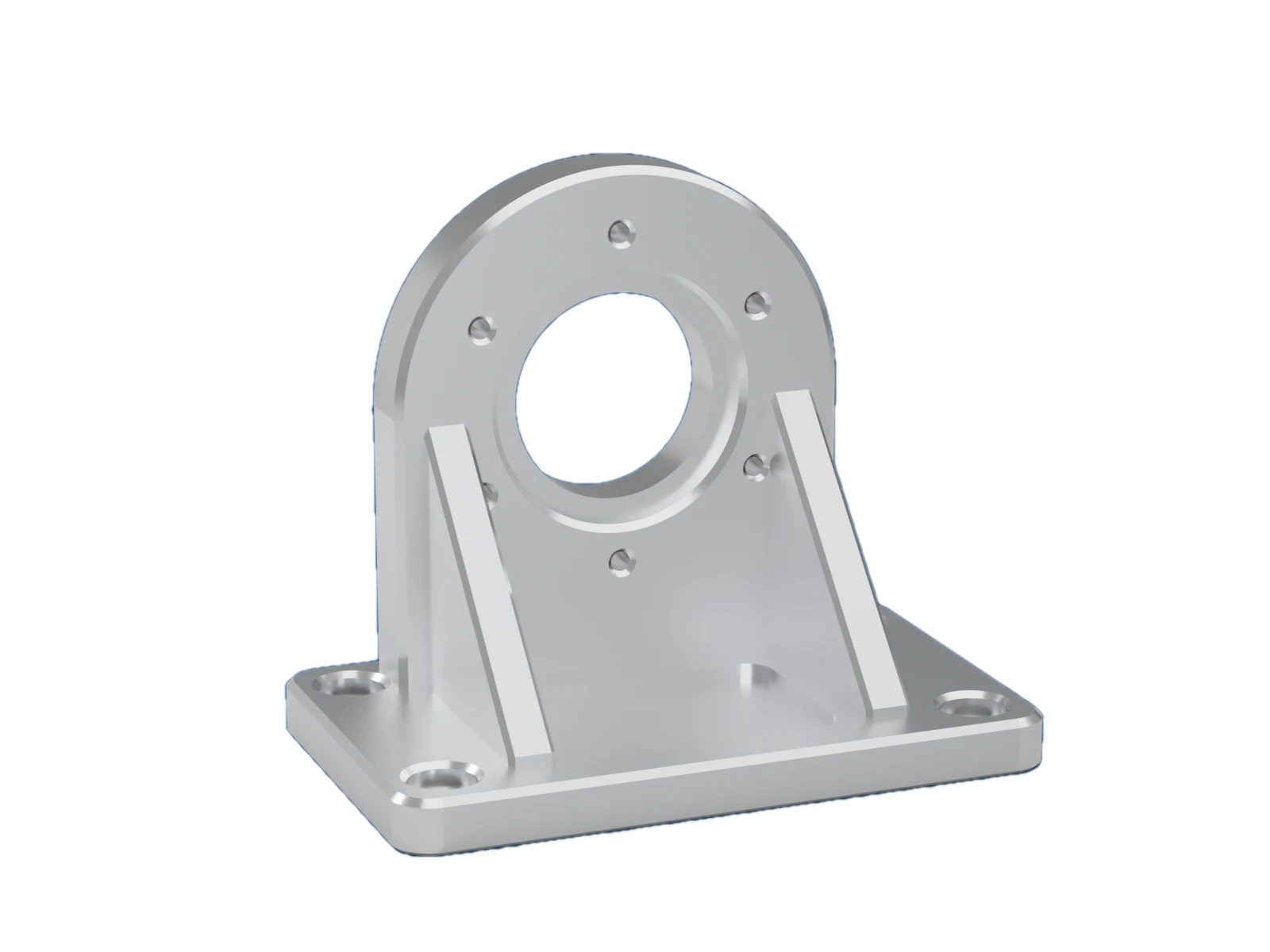
Real output of the app’s one-click Remove background automatically, with a 1 px feather from Select › Feather / grow / smooth. It is a conventional algorithm, not an AI model: it suits objects on a plain or distinct backdrop.
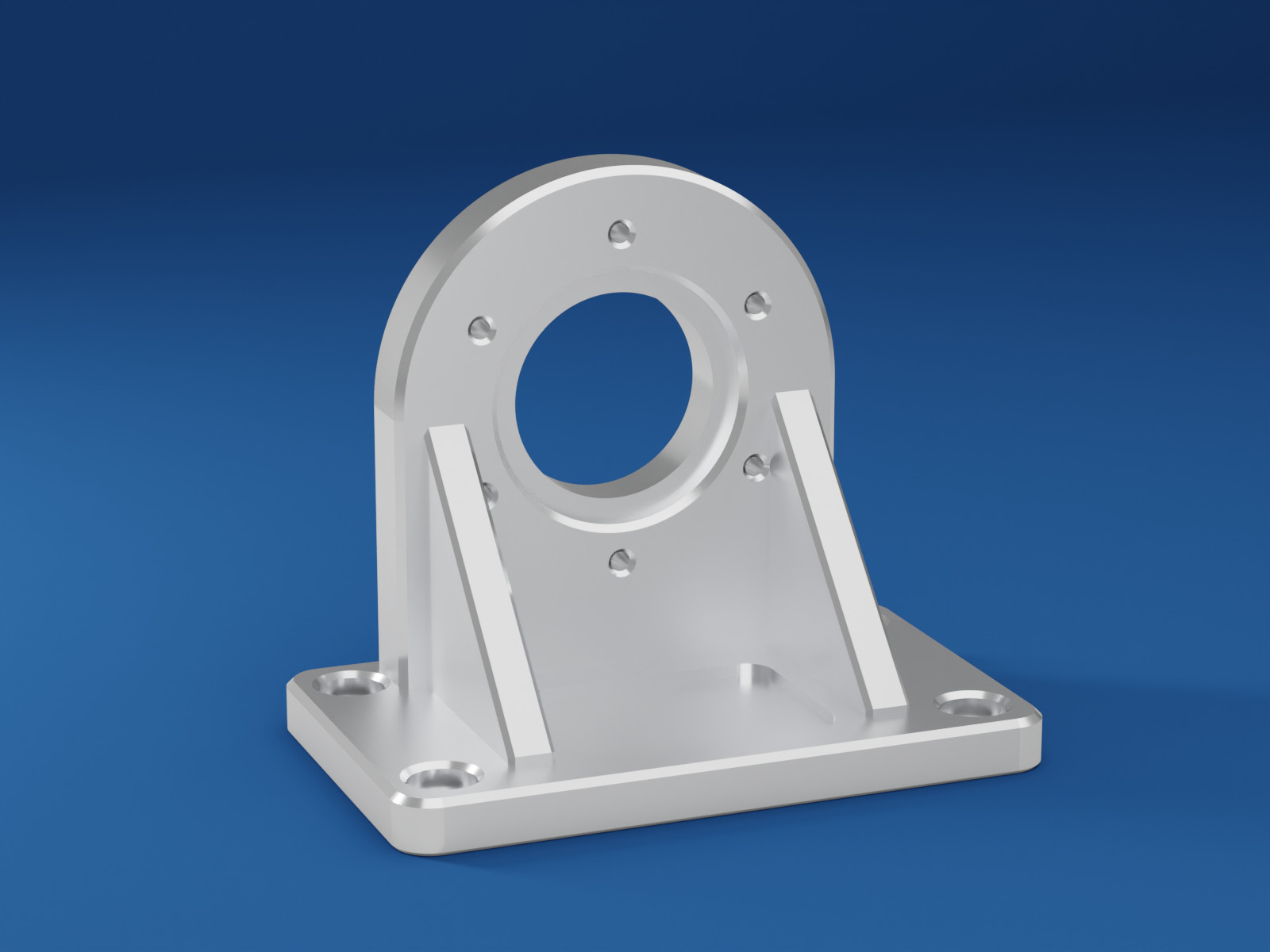
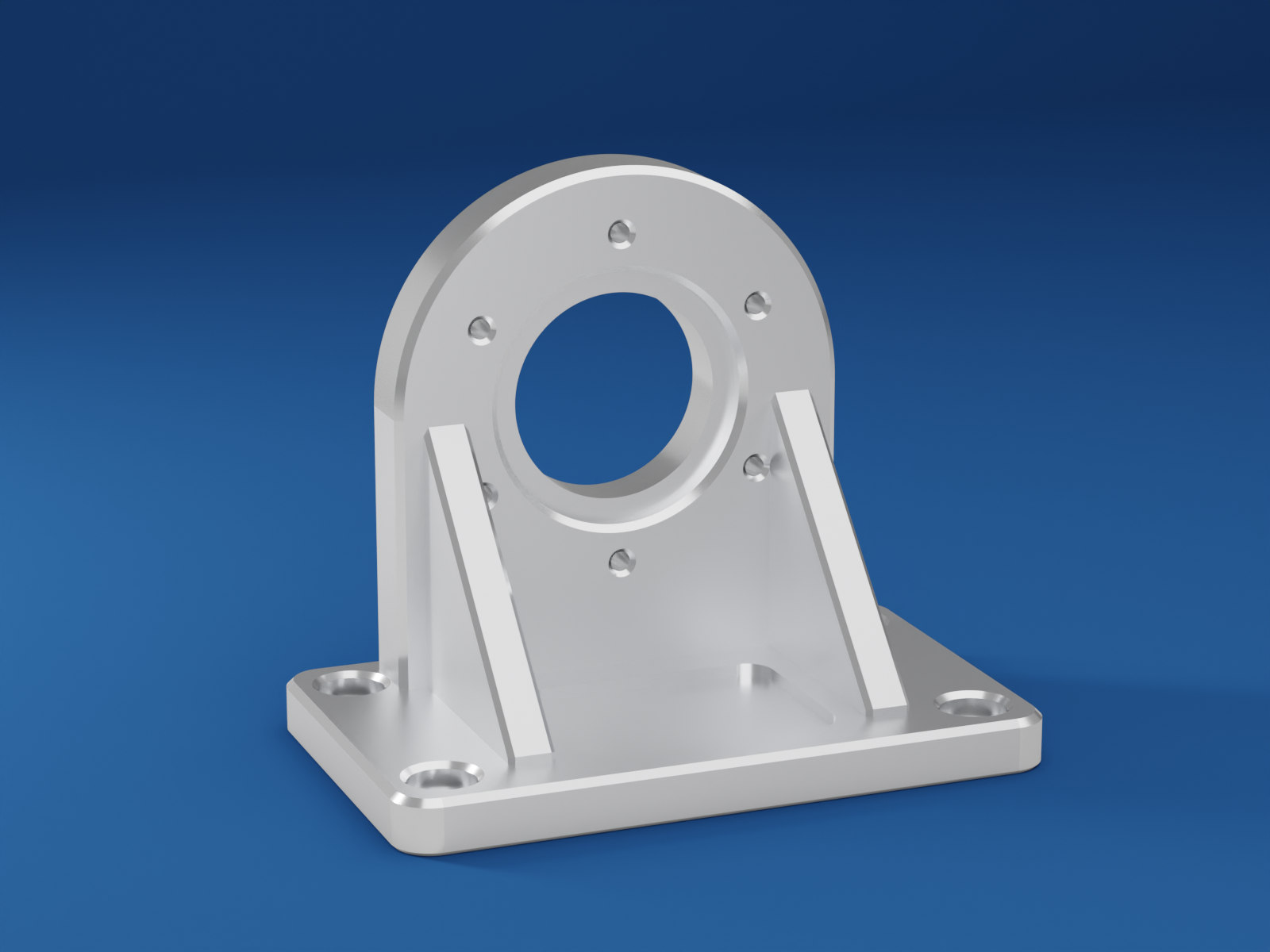
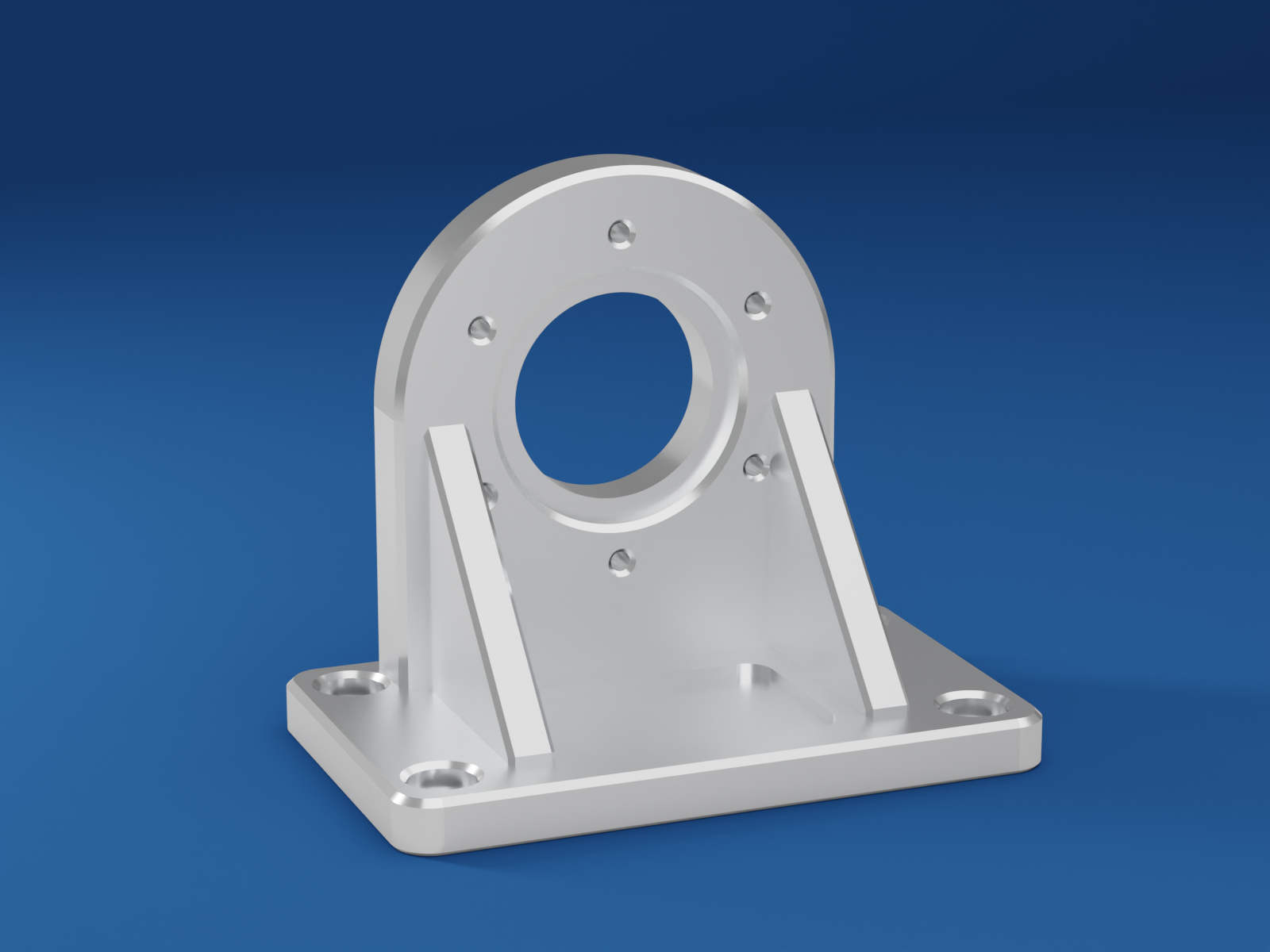
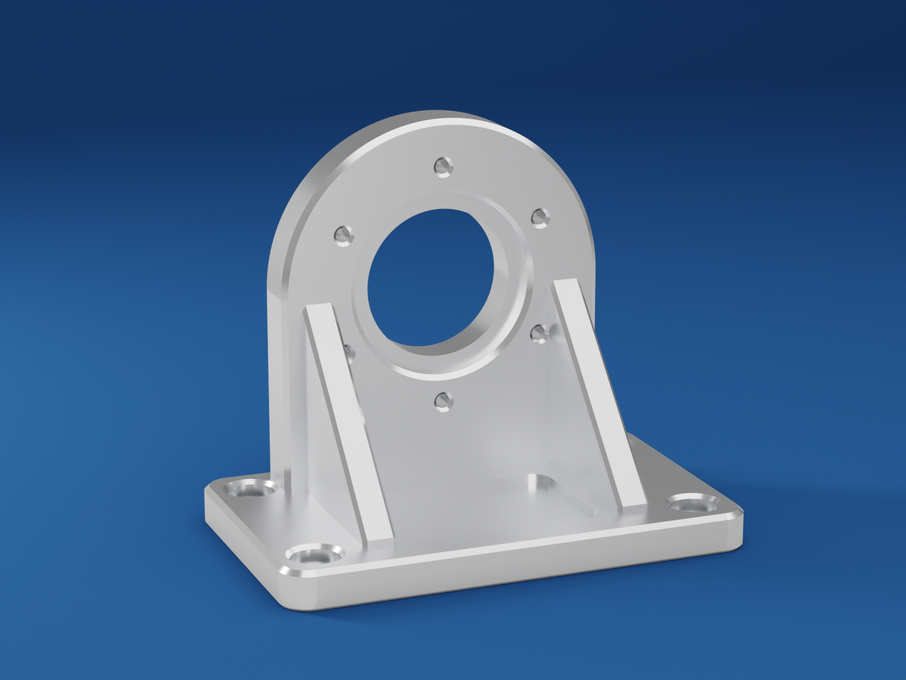
Set a target and the app searches the quality, and optionally the dimensions, measuring the real encoded file every time.
Each picture is the unchanged file the app exported. Exports: JPEG, PNG, TIFF, WebP, BMP, GIF, AVIF and HEIF.
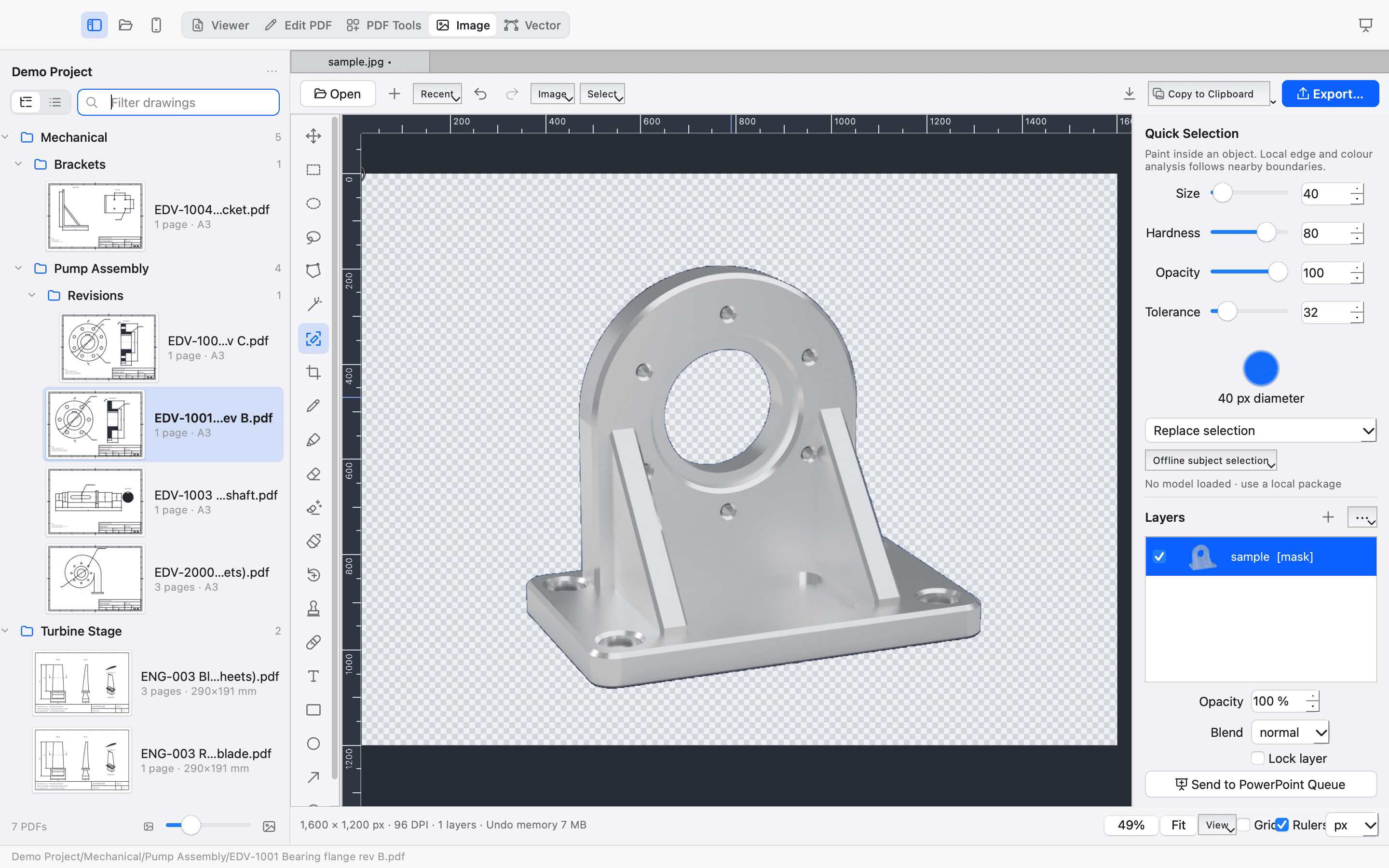
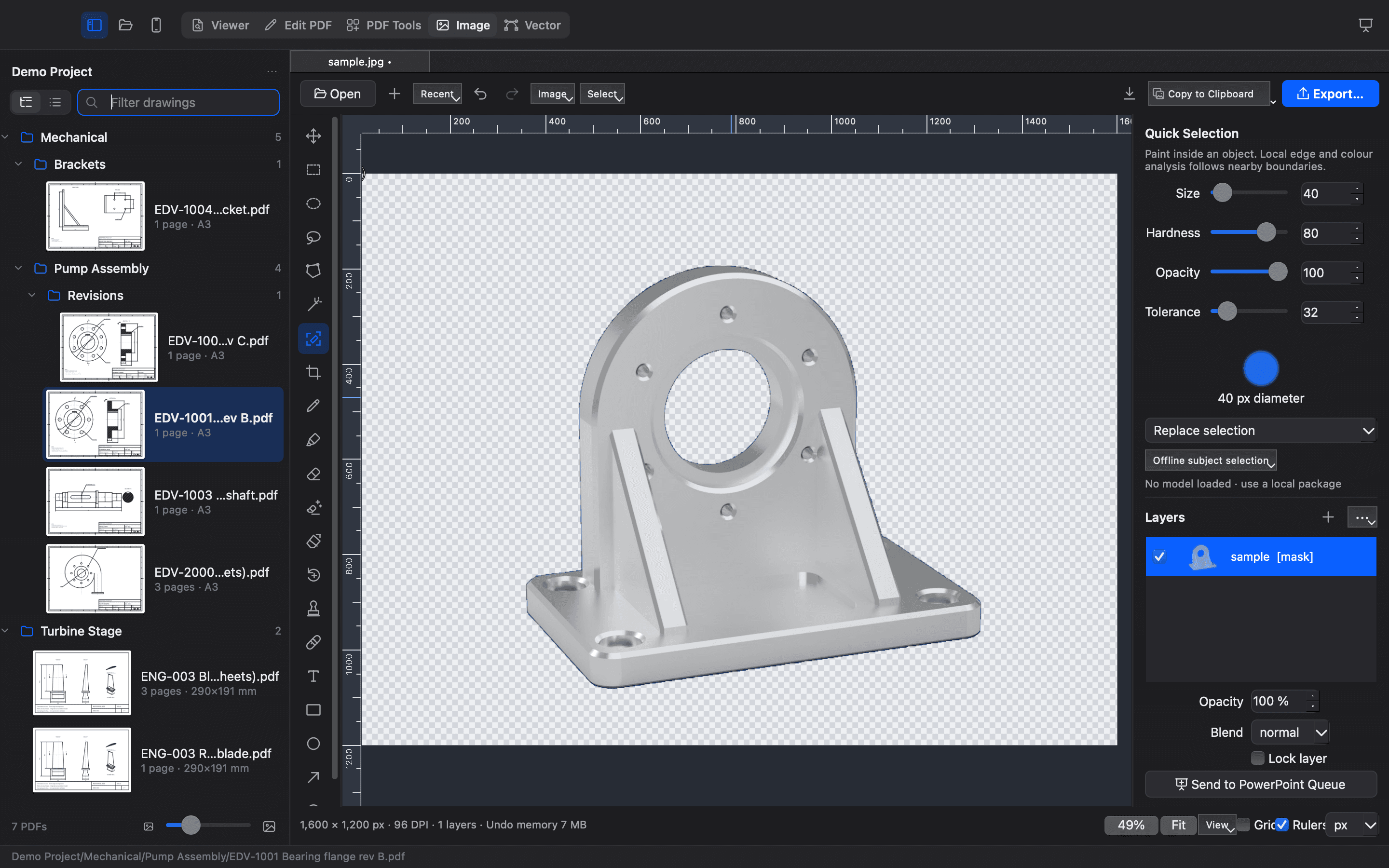
The Image Editor in the app · background hidden by a layer mask, fully reversible
The sample is an original, opaque render of a fictional part, made with CAD and Blender. Opens PNG, JPEG, TIFF, BMP, WebP, GIF, HEIC and AVIF. AI Select Subject works with an optional model pack you install yourself and that runs offline; none is bundled. Up to 80 megapixels and 64 layers per image; saved as an editable .engimg project.
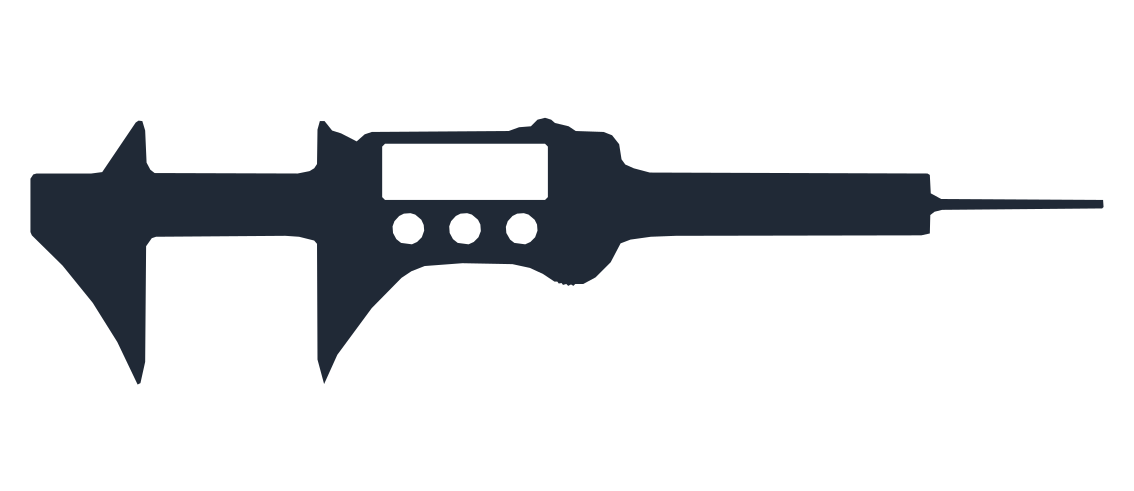
Draw and edit real geometry in millimetres. Trace a raster outline into editable paths, then export SVG or DXF for your cutter, CAD or illustration tool.
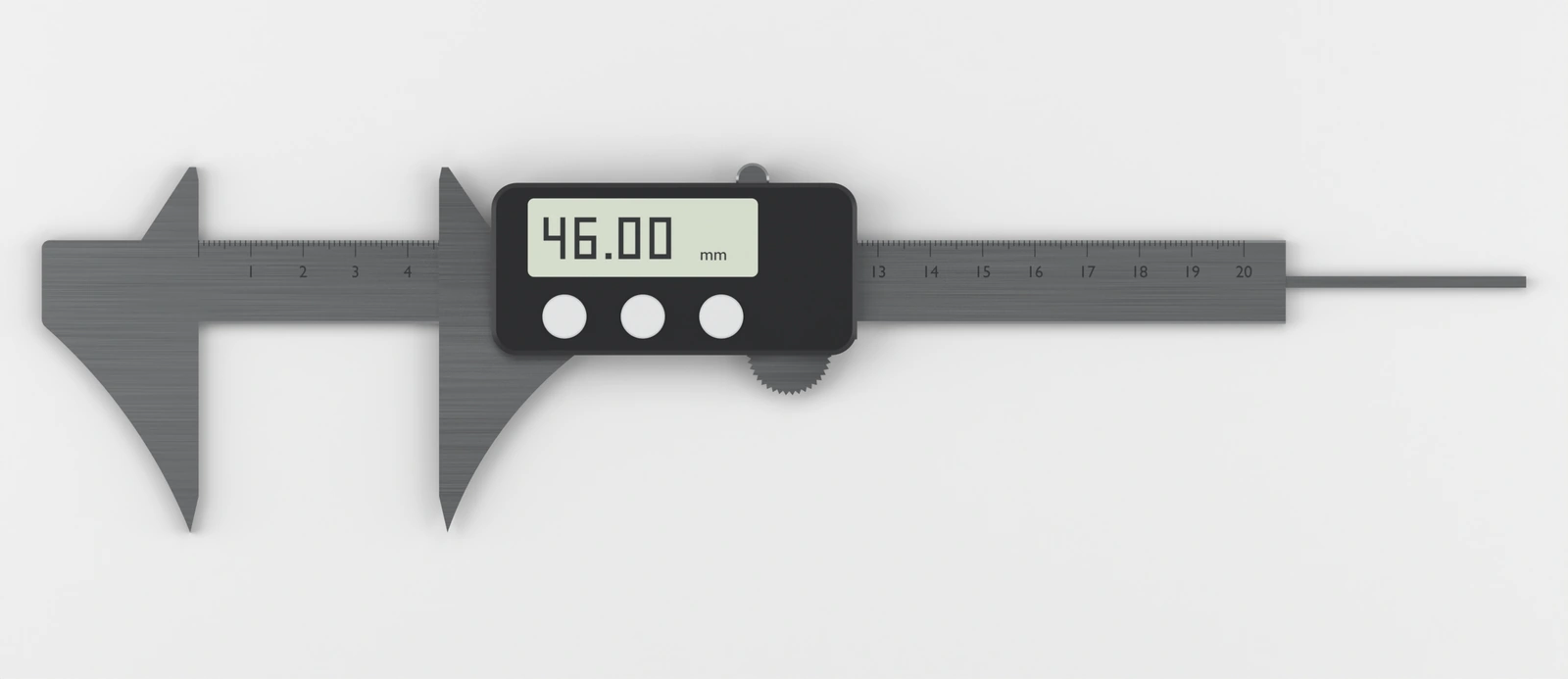
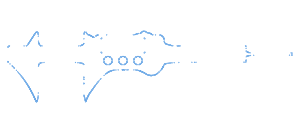
Real output of the app’s tracing and export, and the files are yours to open. The picture is an original render at 8 pixels per millimetre of a 284 × 70.8 mm model. Small print on the display fell below the trace’s noise filter, and refining took the outline from 1,455 points to 148. Traces are straight segments that follow curves closely.
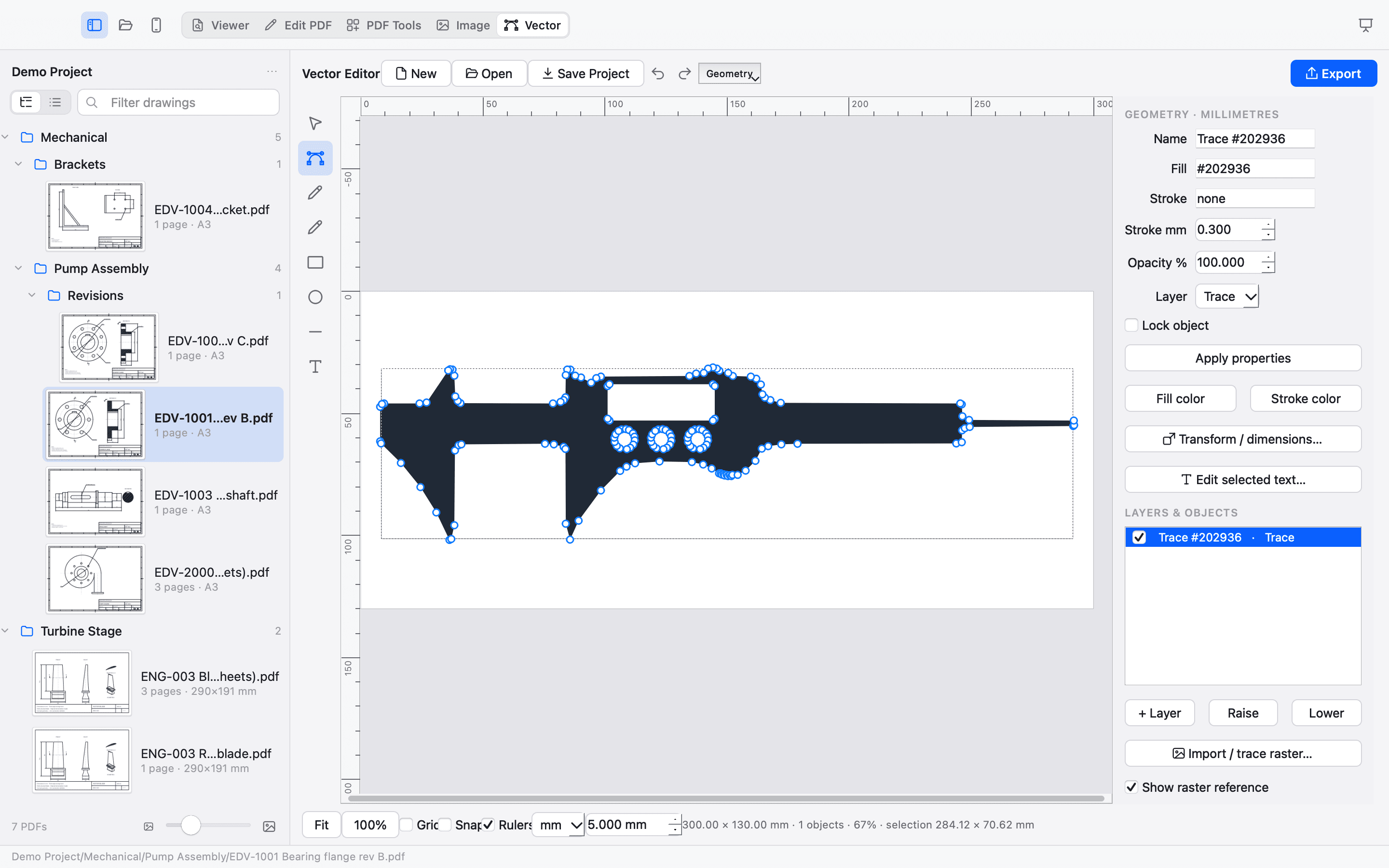
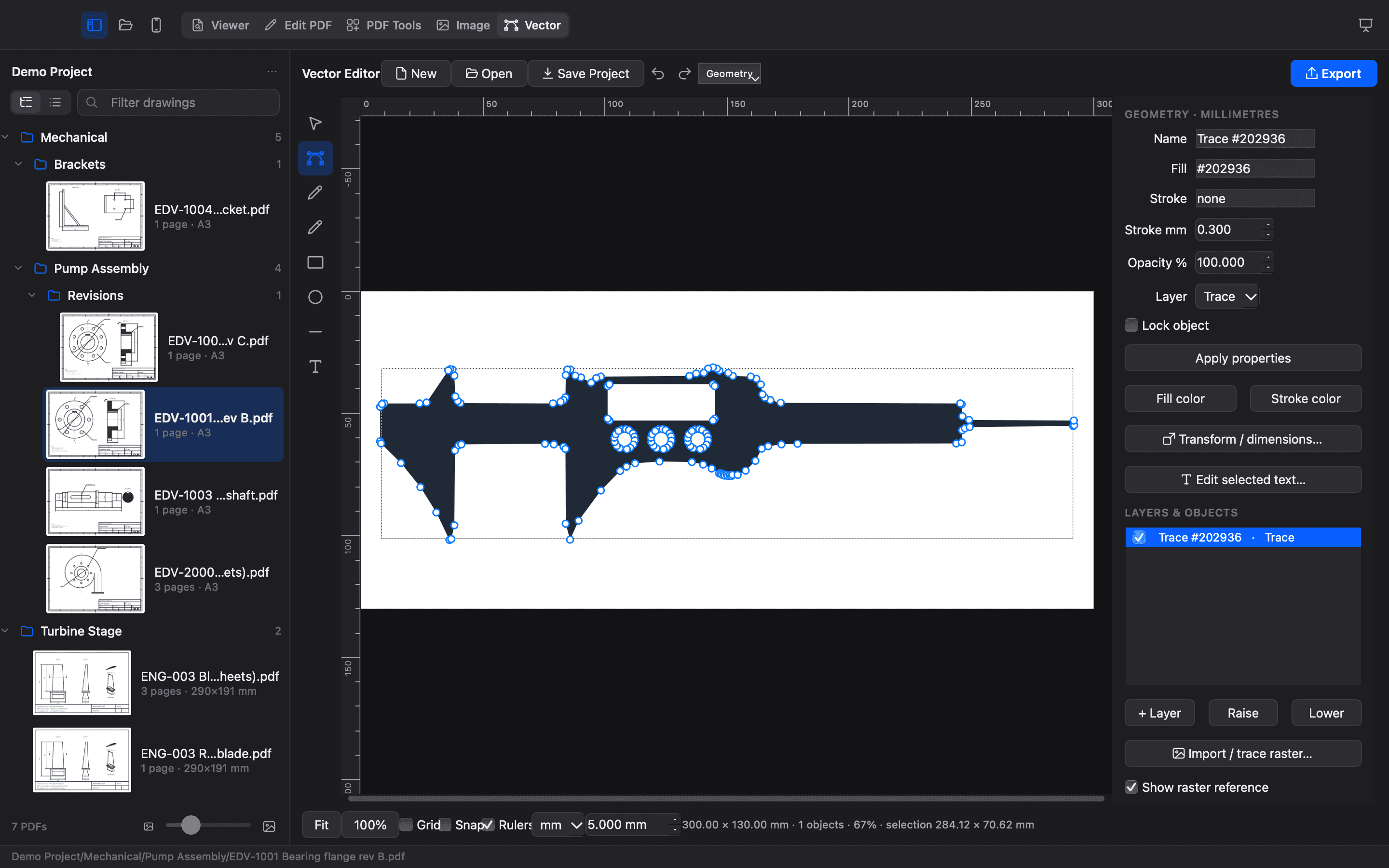
The Vector Editor in the app · the same trace · millimetre rulers, nodes, layers, SVG and DXF export
A trace is a starting point, not a finished cutting file. Cutting checks warn about open, duplicate and crossing paths, but you still check scale, kerf and your machine. Photographs can trace poorly. No G-code; DWG is not supported.
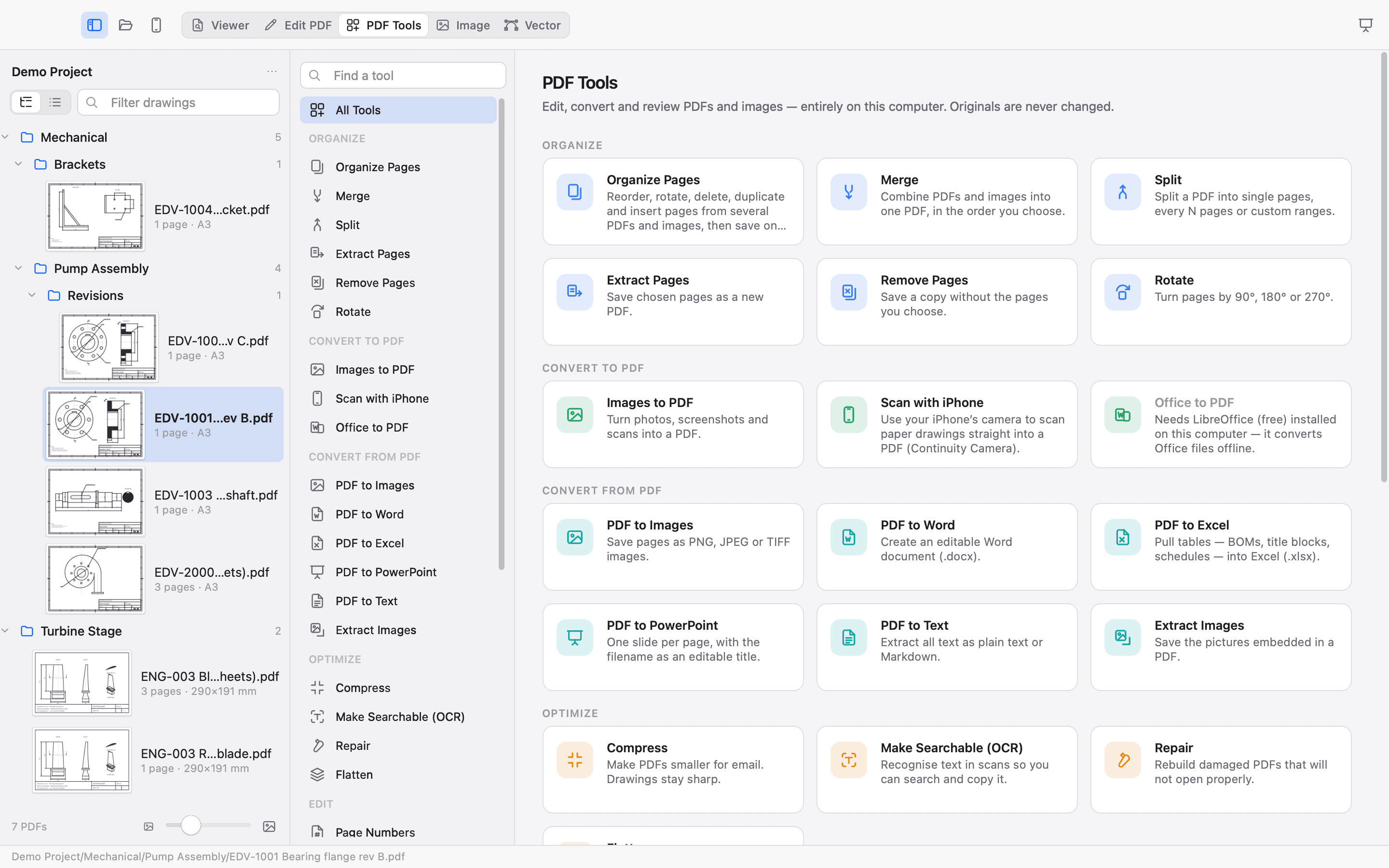
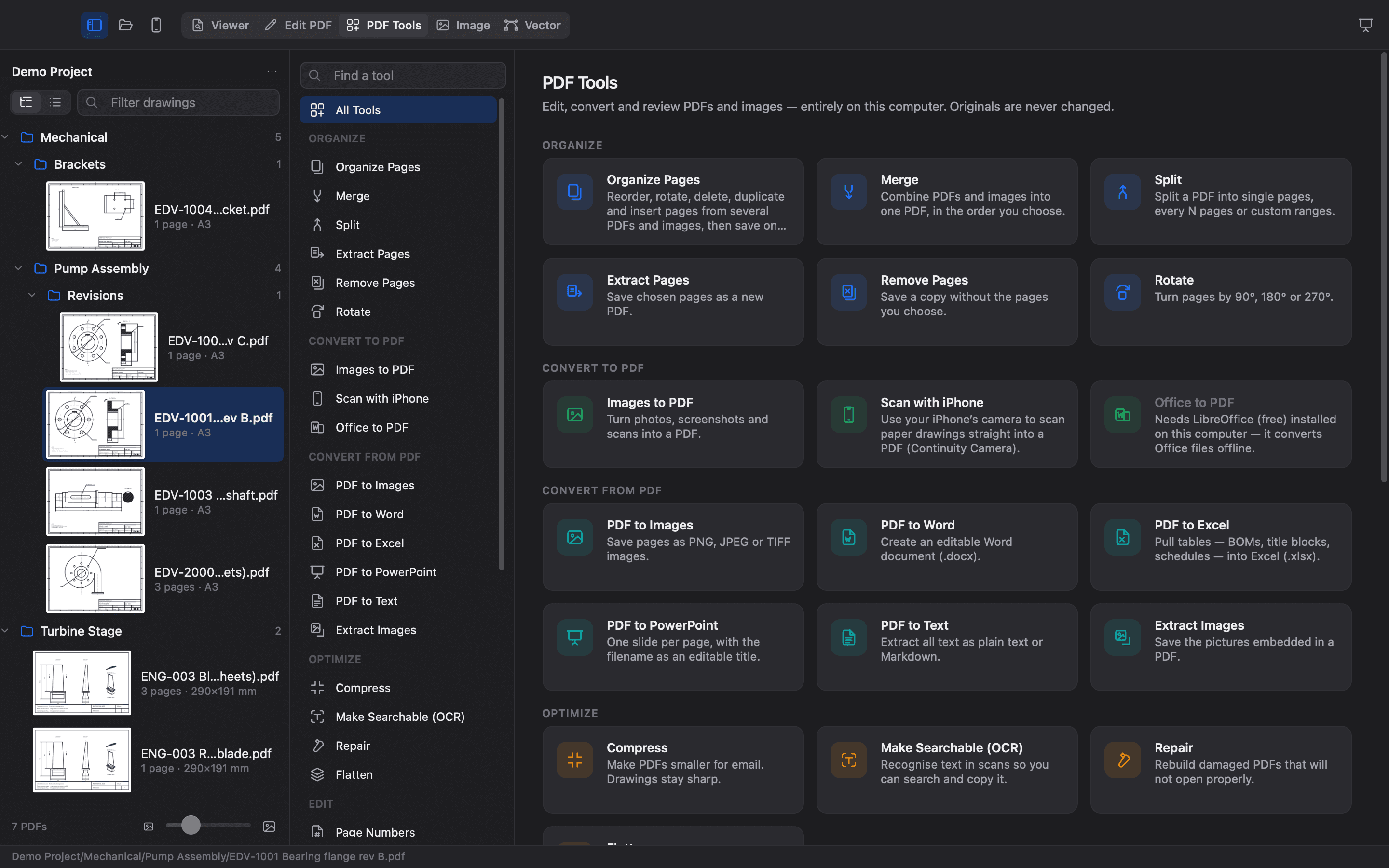
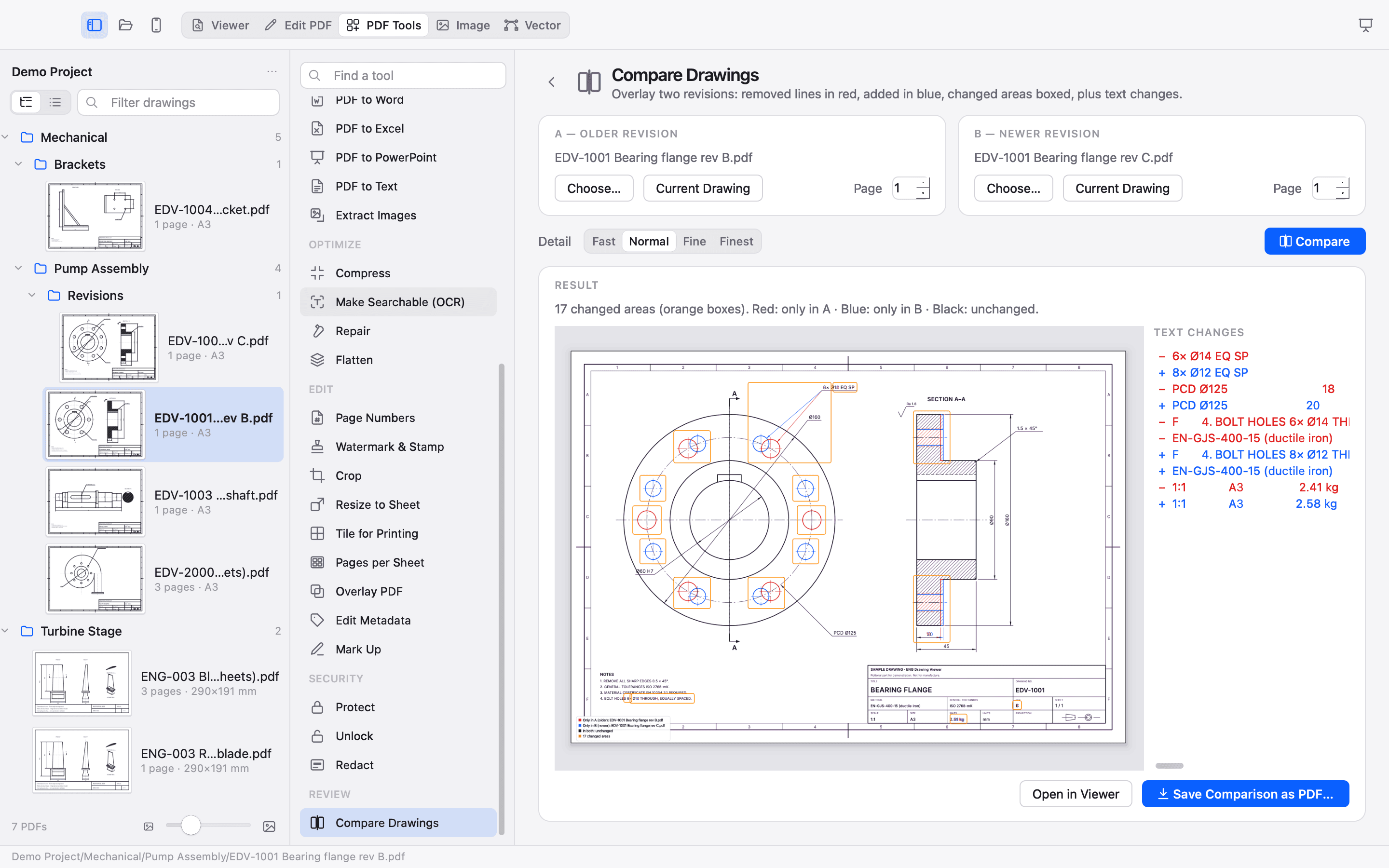
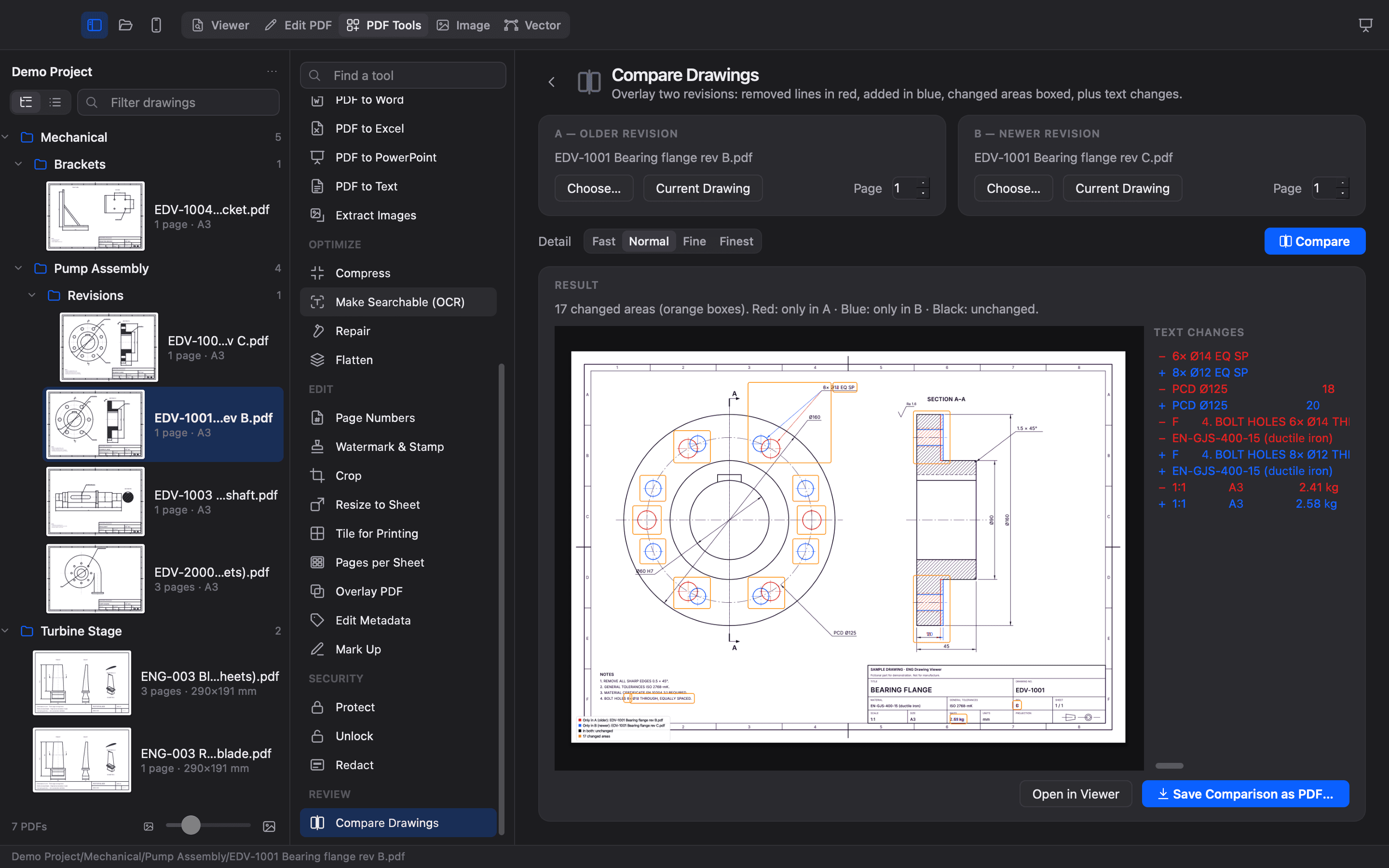
Move between drawings, documents and images without sending your work away. A complete PDF Tools workspace, with 32 tools in seven groups.
Editable text or page pictures in a Word document.
The same Viewer, MARK, PowerPoint export, PDF Tools and editors on every edition, built from one source, each fitting in with its system.
Screenshots of the Windows edition will appear here once they are taken on a real Windows desktop. Until then, we only show what we have verified.
Screenshots of the Linux edition will appear here once they are taken on a real Linux desktop. Until then, we only show what we have verified.
Engineering work deserves a private workspace. PDFs, images, vectors and presentations are processed on your computer, without accounts, cloud uploads or telemetry.

Free and open source, for Mac, Windows and Linux.
One application for both Intel and Apple Silicon Macs.
Until then, Intel Macs have no edition: the Apple Silicon build does not run on them.
Native ARM64 build for M-series Macs.
Standalone Windows x64 edition.
Portable x86-64 AppImage.
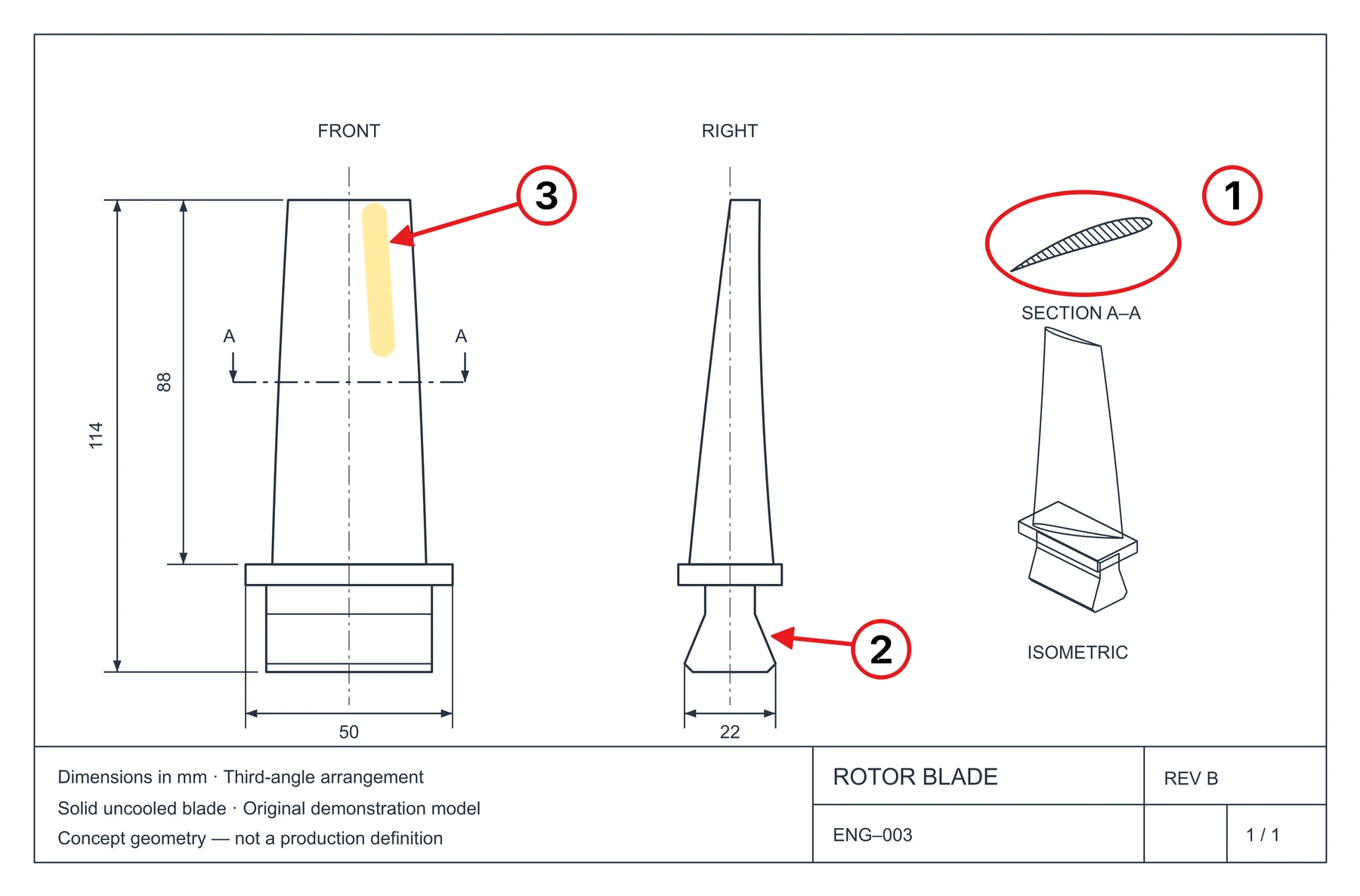
1. Review the midspan section.
2. Review the blade root fit.
3. Check the airfoil surface.