Big sheets. Fine details.
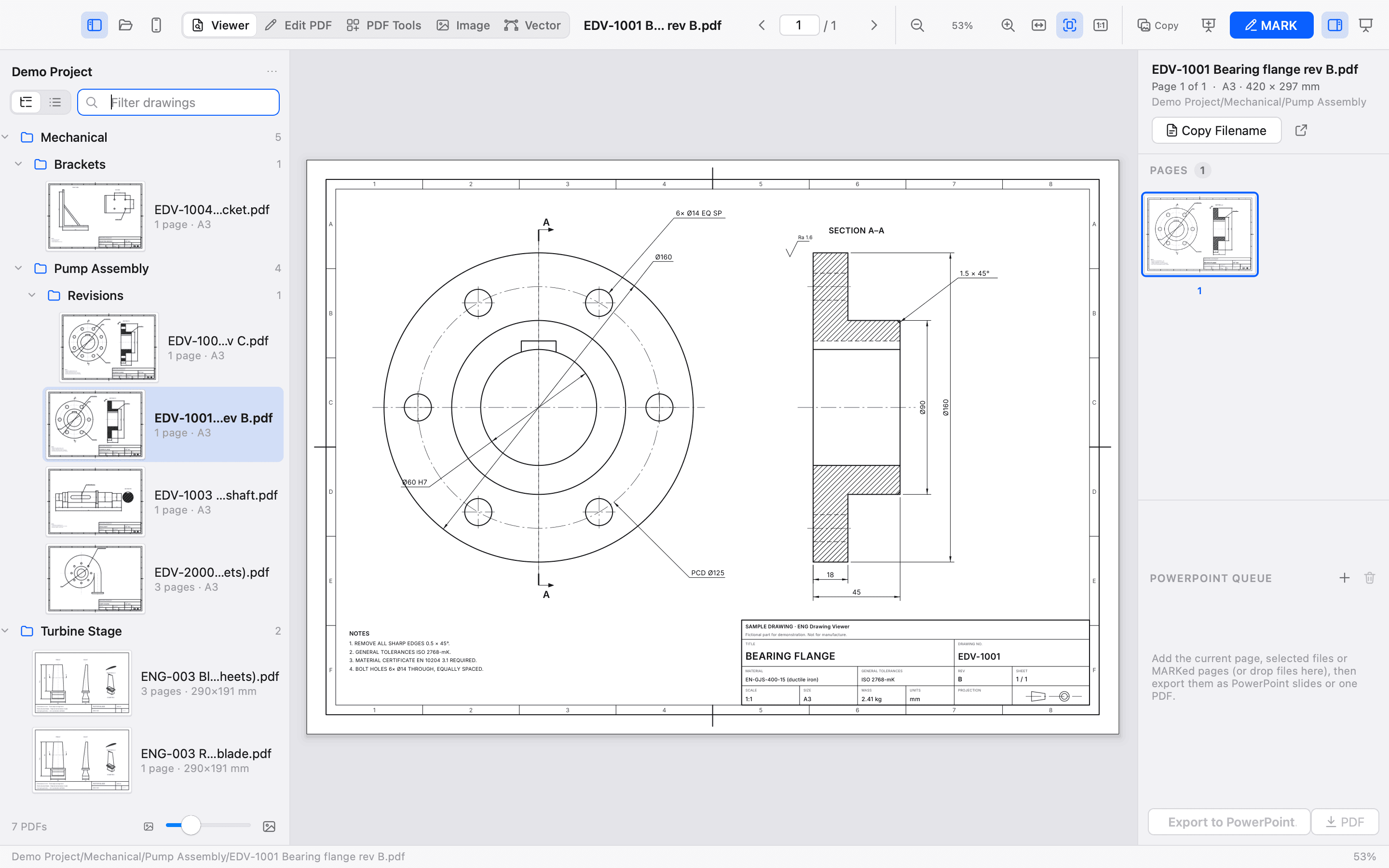
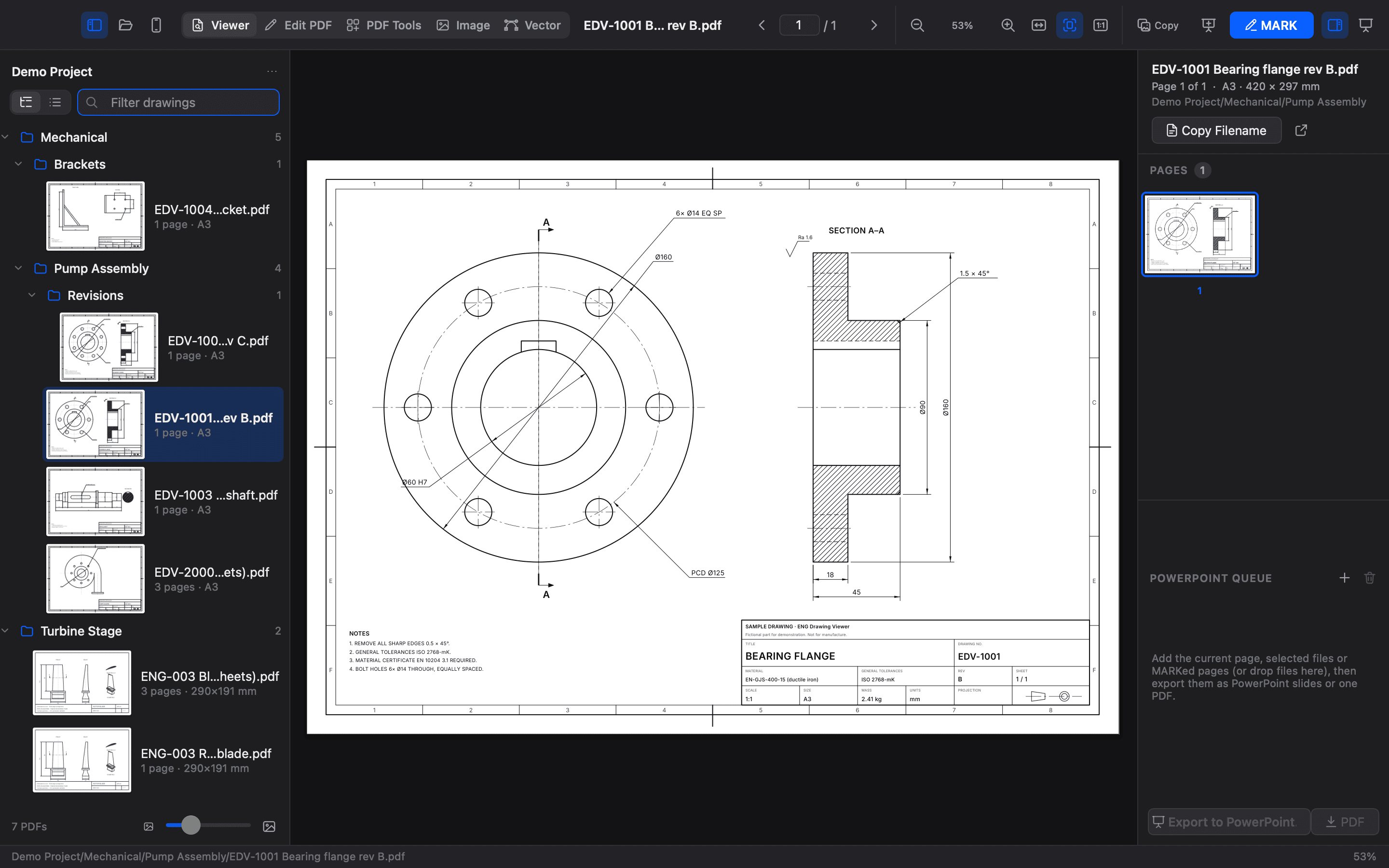
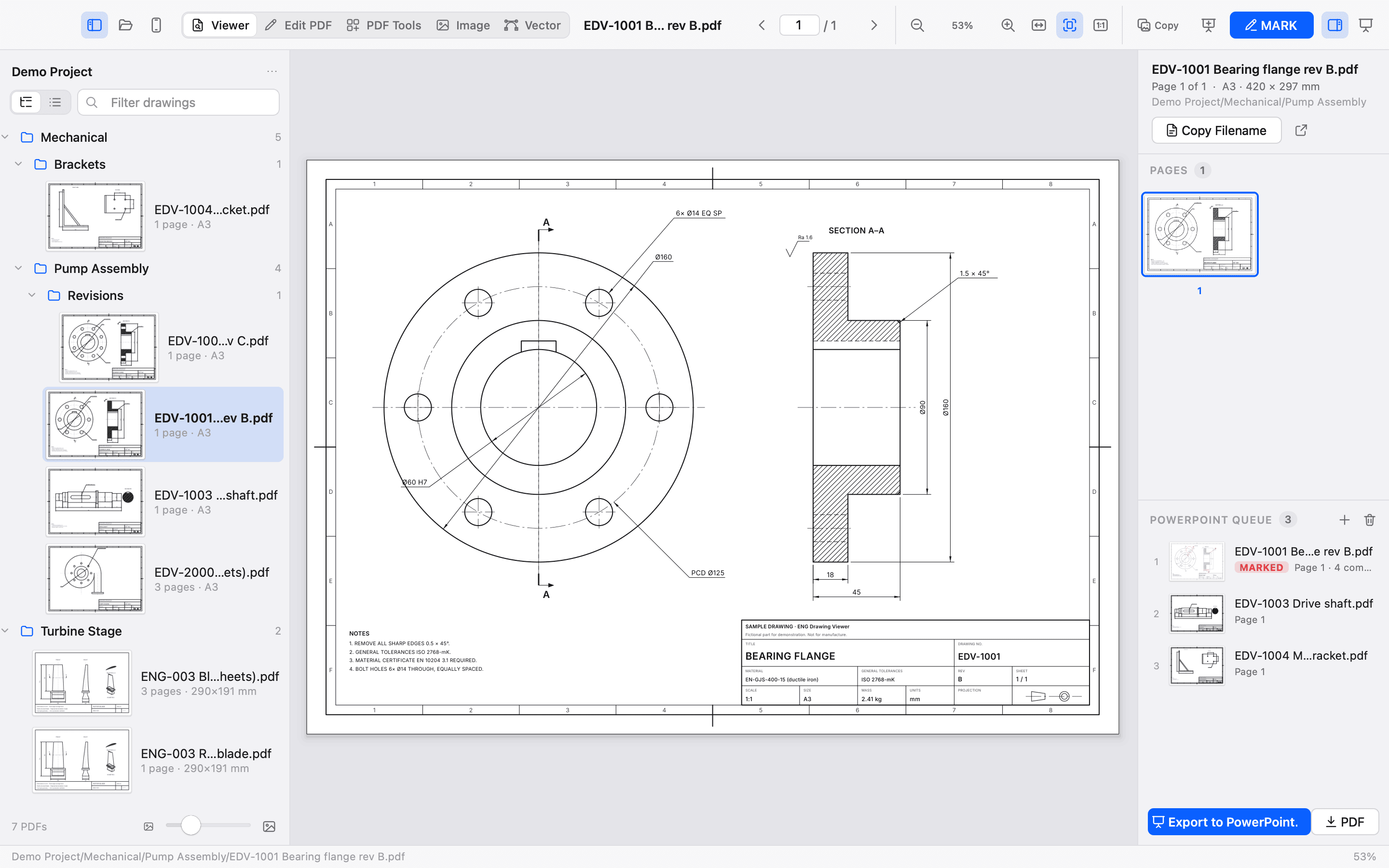
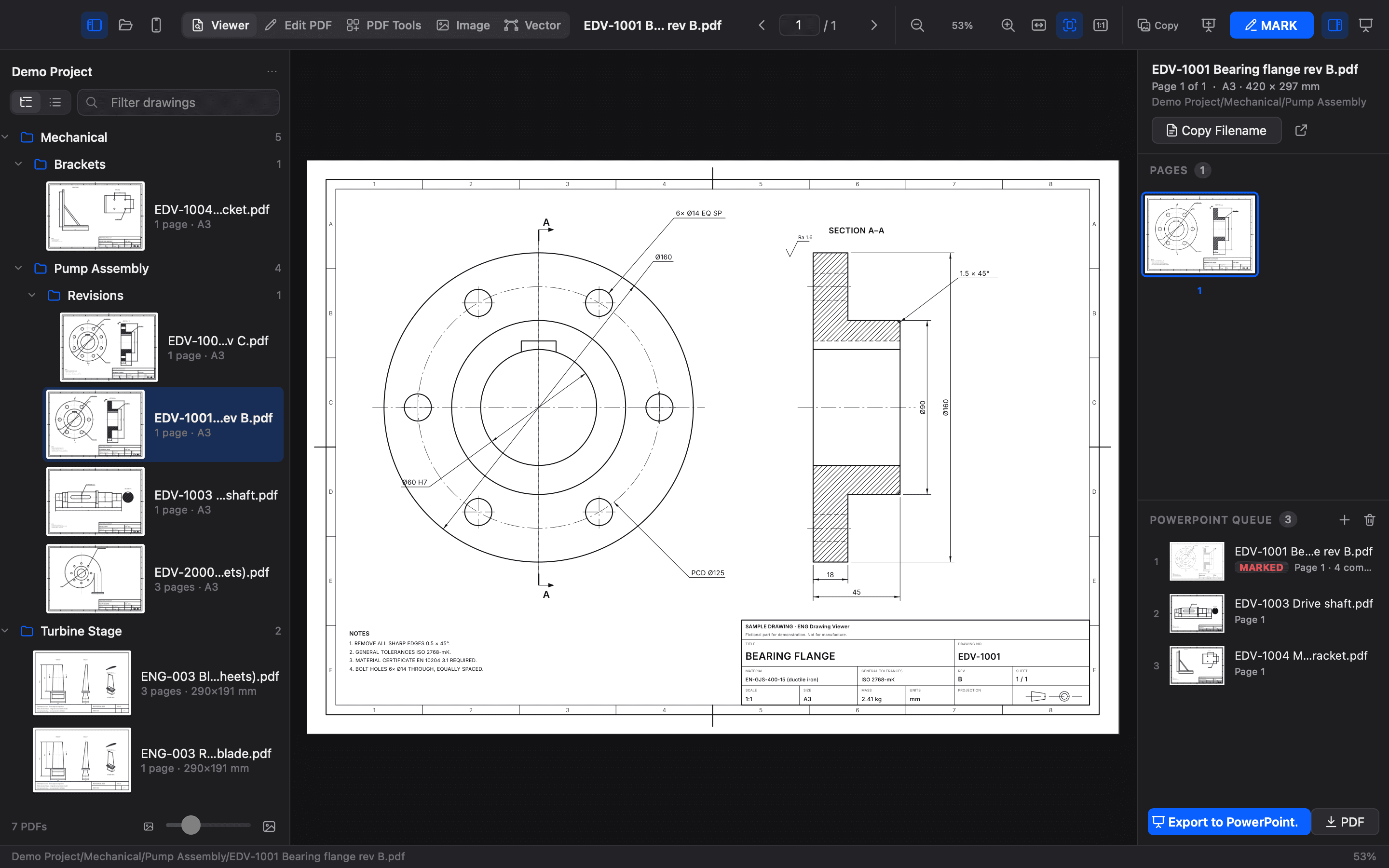
Browse nested folders in a tree or a flat list. Natural sorting keeps Sheet 2 ahead of Sheet 10. Adjustable thumbnails, file filtering, page counts and sheet-size labels help you find the right drawing.
Tile-based rendering uses your screen’s pixel density for sharp linework. Zoom from 1.5% to 4800%, fit a page or its width, and move through multi-page PDFs with the arrow keys. Navigation continues into the next drawing.
Open a folder or individual files, or simply drag PDFs, images and whole folders onto the window, the PowerPoint queue or a PDF tool. PNG, JPEG, TIFF, WebP, BMP, GIF and HEIC photos (on Windows with Microsoft's free HEIF extensions) open like one-page drawings, upright and at their full resolution, so you can MARK a site photo just like a sheet. On Mac, Scan with iPhone uses Continuity Camera to turn a paper drawing into a PDF that opens straight away.
Copy the page as a high-resolution image at 150, 220 or 300 DPI, copy its filename, or save a PNG.
A review that reads clearly.
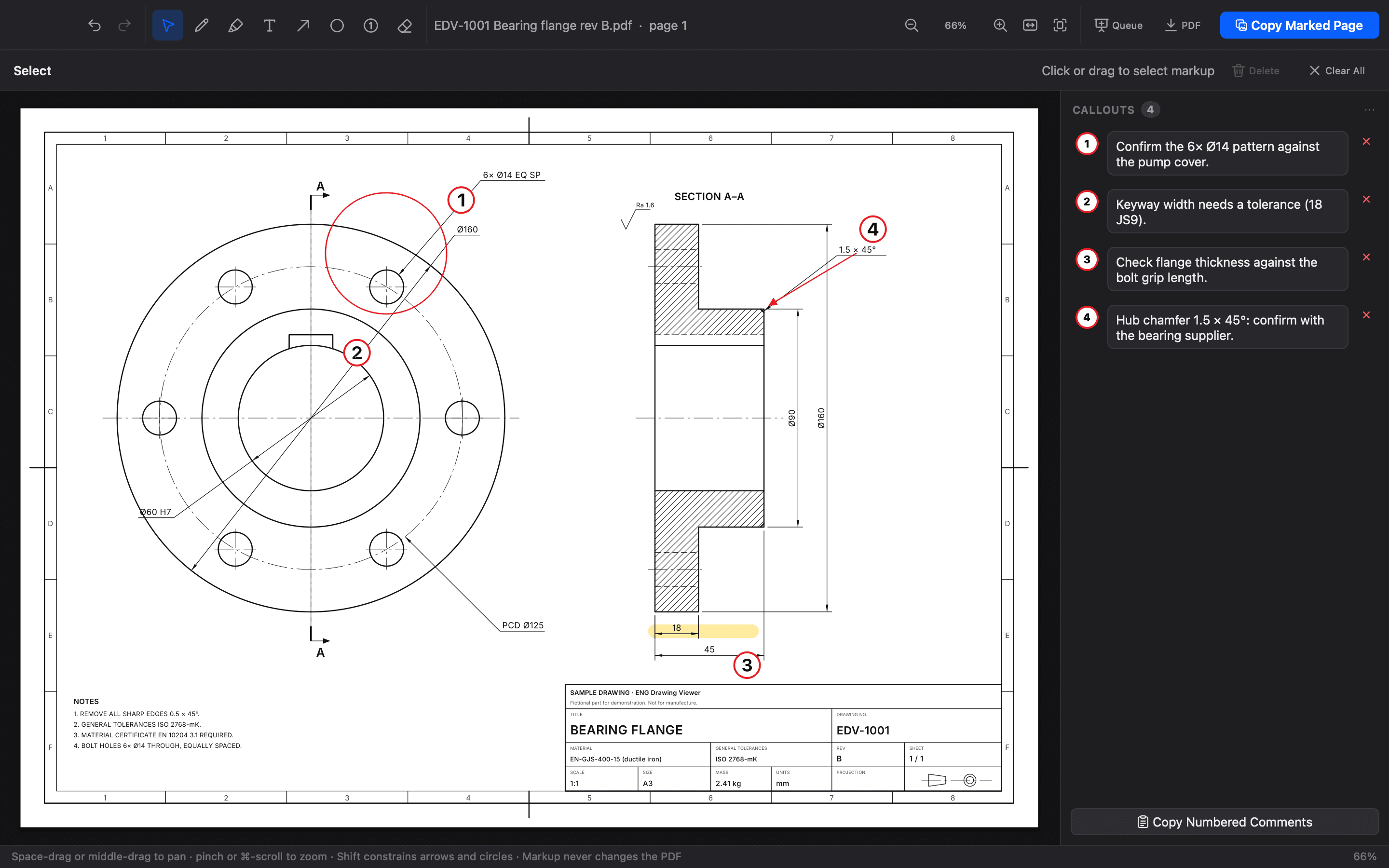
Use pens, highlighters, arrows, outline circles, text, numbered red callouts and an eraser. Select, move and restyle annotations. Linked, spell-checked comments give every callout context. Undo and redo keep exploration easy.
| Tool | Size range | Key |
|---|---|---|
| Pen | 0.25–24 pt | P |
| Highlighter | 2–72 pt | H |
| Arrow | 0.25–24 pt | A |
| Circle | 0.25–24 pt | O |
| Text | 4–144 pt | T |
| Numbered callout | 8–600 pt | B |
| Select / Eraser | — | V / E |
Live size previews show what will appear on the drawing. Copy a marked page at 300 DPI or higher, or save it as a new PDF with vector markup. The original PDF stays untouched; temporary annotations should be exported before you close.
Try the simplified web demo ↗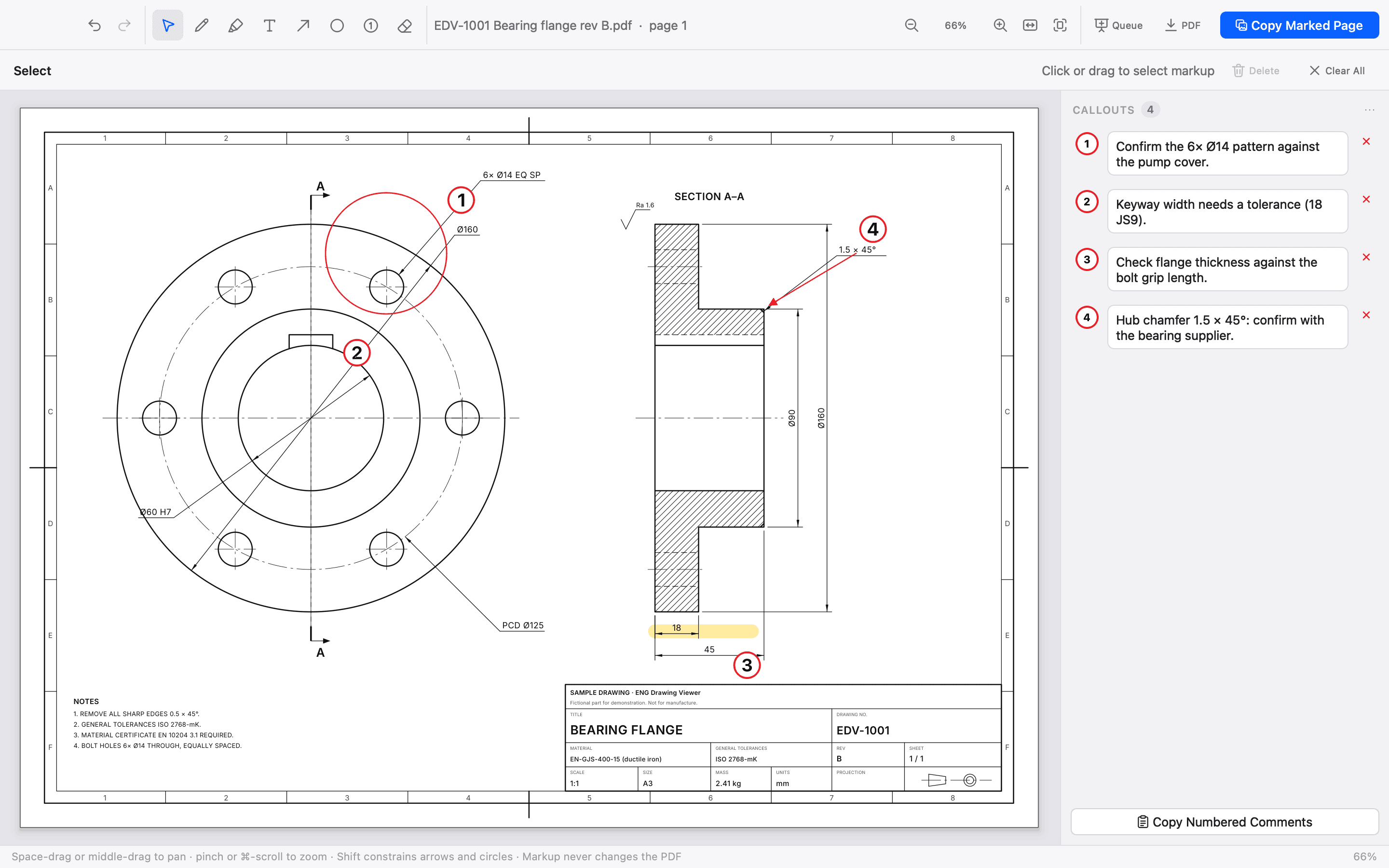
Ready for the conversation.
Queue the current page, selected drawings or marked pages. Reorder them and create a new PowerPoint deck, or insert slides into an existing deck. PowerPoint itself is not required to generate a .pptx.
On marked slides, your drawing sits on the right and editable numbered comments sit on the left. Choose 16:9 or 4:3. Add a filename as an editable title or subtitle, or leave it off. Export the queue as a combined PDF when a deck isn’t what you need.
Change the document itself.
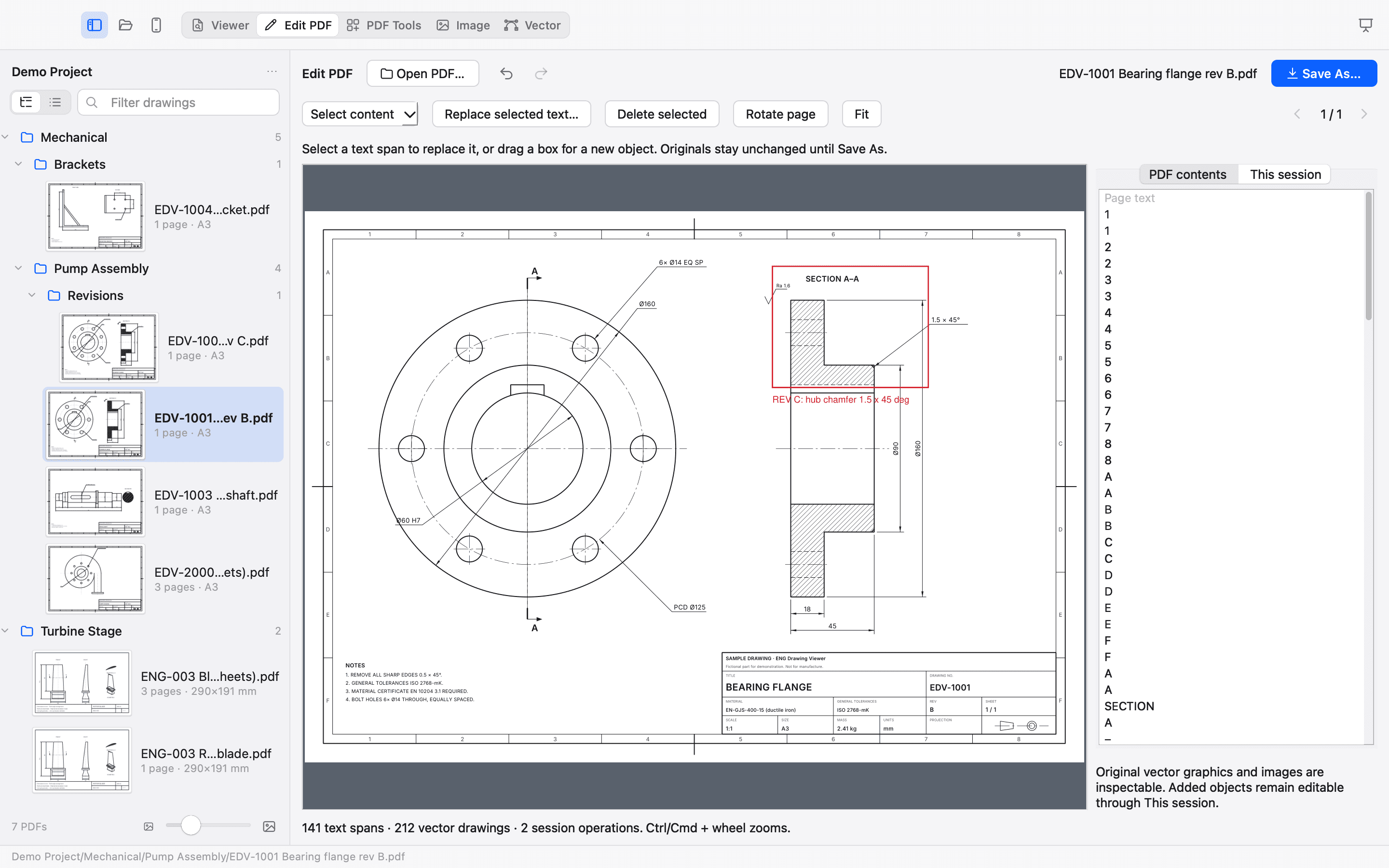
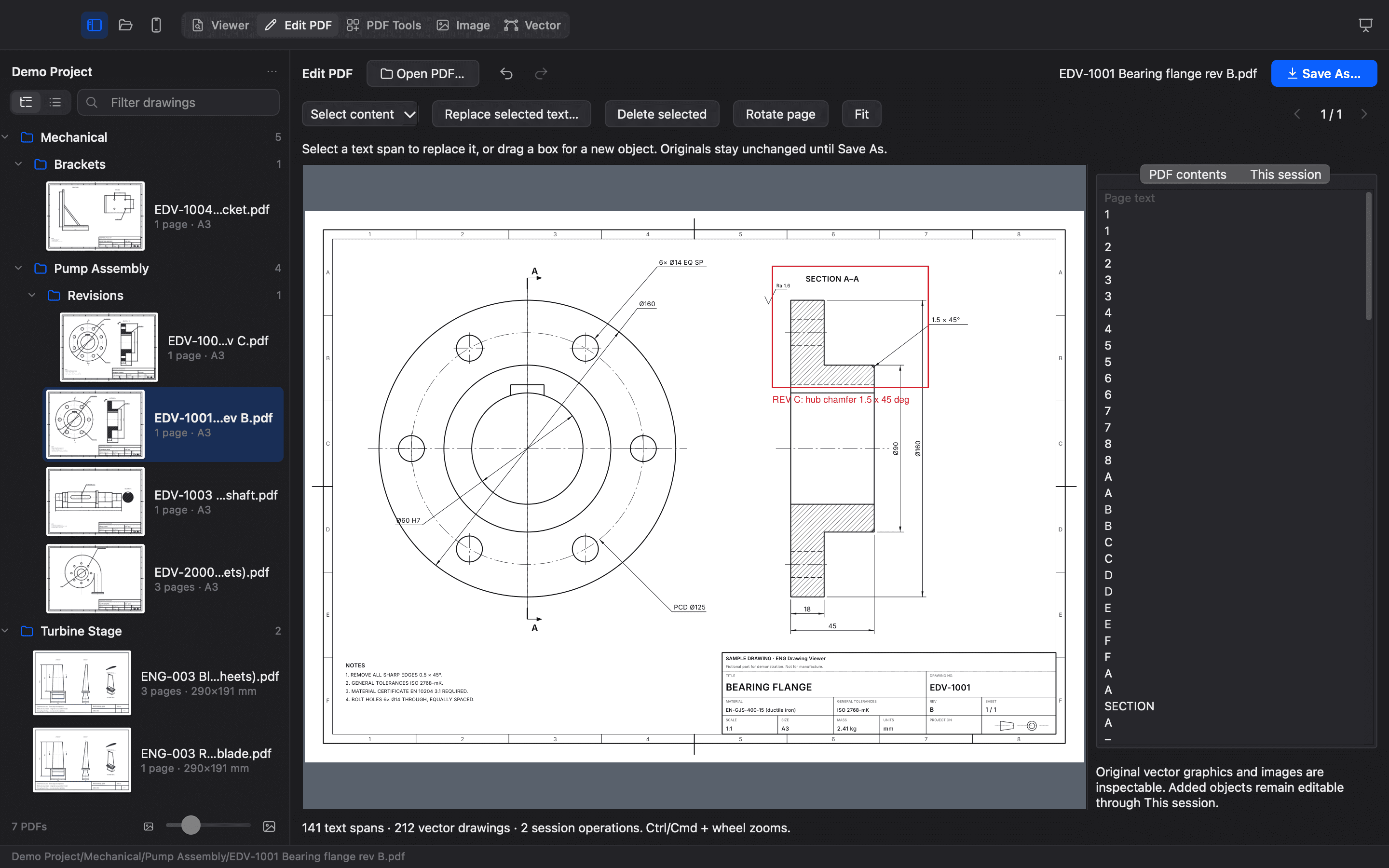
MARK is a temporary review layer; Edit PDF changes real PDF content and saves a new file with Save As. Add searchable text, rectangles, ellipses, lines, images and PDF notes, then move or resize them numerically. Replace or delete an isolated line of original text in a standard PDF font, with the drawing underneath preserved.
Redaction removes the text, image pixels and touching vector linework in a region, rather than covering them. Rotate and crop pages without flattening. The whole session has undo and redo; the original stays untouched until you save a new PDF.
A layered image editor, built in.
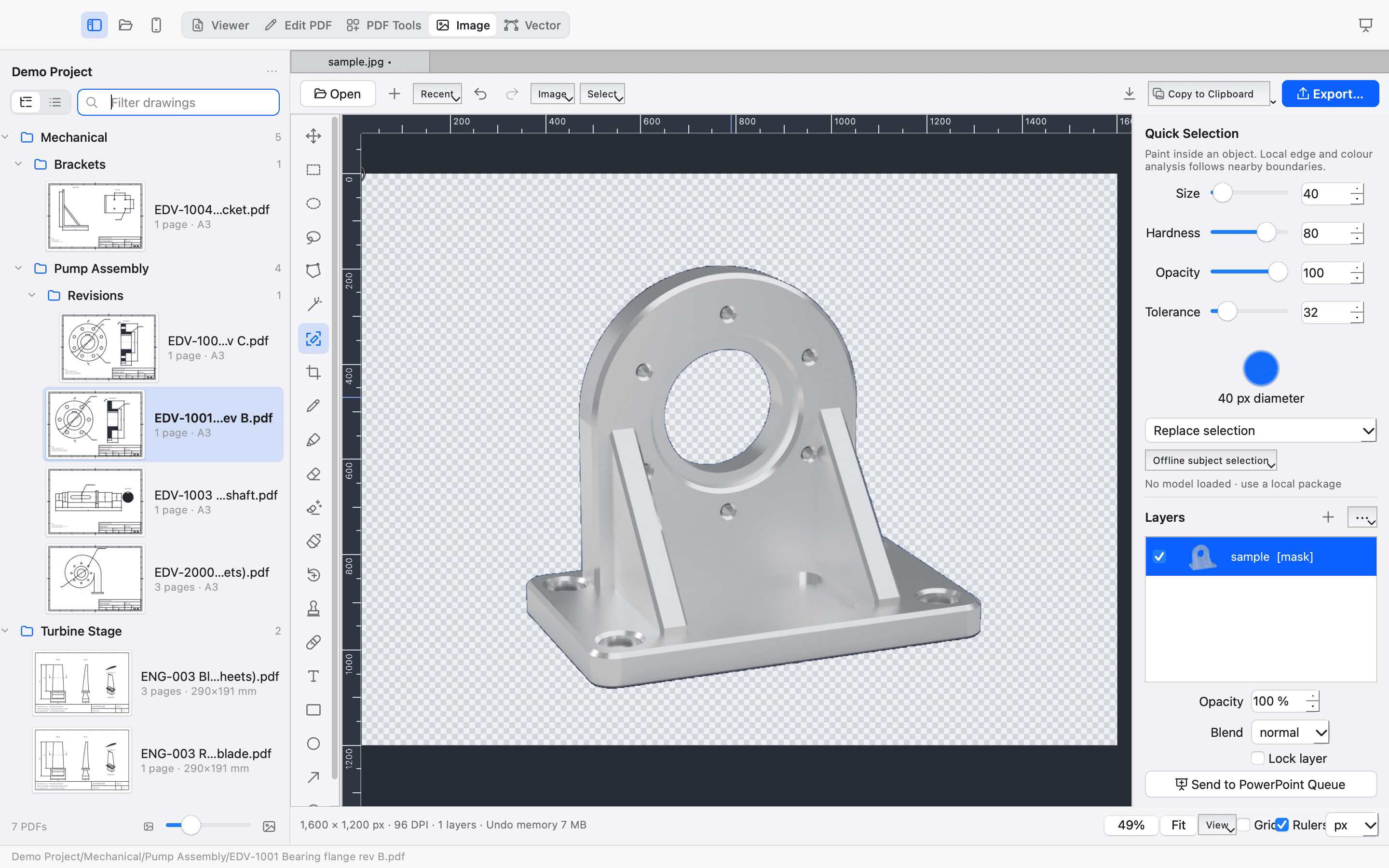
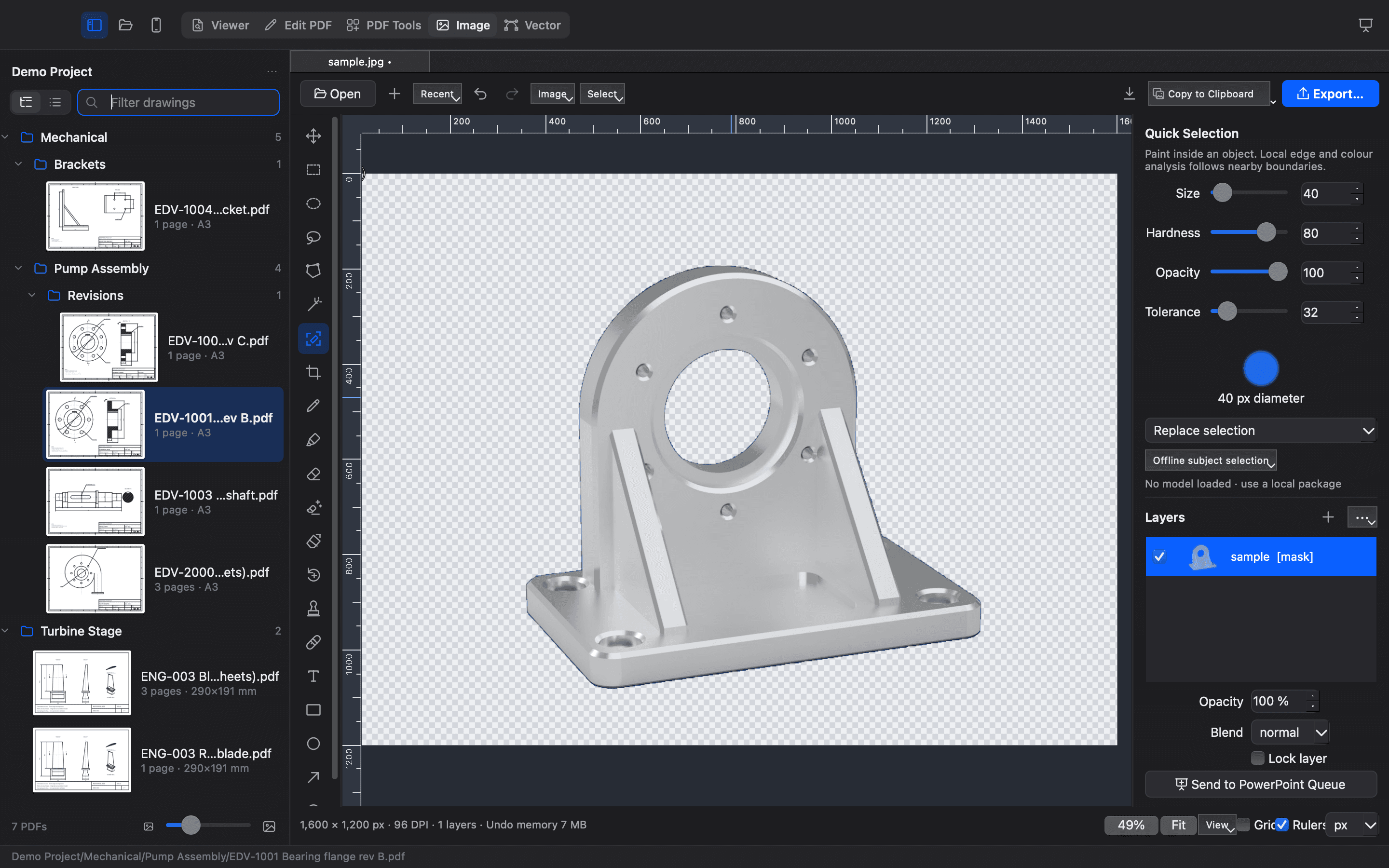
Layers with masks, offsets, opacity and blend modes (normal, multiply, screen, overlay). Rectangle, ellipse, lasso and polygonal lasso selections, Magic Wand and Quick Selection, with feathering and refinement. Brush, highlighter, mask eraser, Magic Eraser, Background Eraser, Spot Healing, Clone Stamp and object removal. Crop, resize, rotate, flip and canvas size, with rulers, guides and a grid.
New in 2.3.1 (Mac, Windows and Linux): drop, paste or import images as layers and move, scale and rotate them on the canvas; copy, cut and paste layers with Photoshop-style shortcuts (Ctrl instead of ⌘ on Windows and Linux); a Paint Bucket tool; and a more accurate Magic Eraser.
Remove background automatically separates an object from a plain or distinct backdrop in one click, using a conventional algorithm rather than an AI model. Select Subjectuses an optional, hash-verified ONNX model pack that you install yourself; it runs offline and none is bundled.
Open PNG, JPEG, TIFF, BMP, WebP, GIF, HEIC and AVIF. Export JPEG, PNG, TIFF, WebP, BMP, GIF, AVIF or HEIF, optionally to a target file size: the app measures the real encoded bytes. Copy to the clipboard as PNG, JPEG, TIFF or BMP with your choice of resolution and transparency. Save editable .engimg projects, add numbered comments, and send images to the PowerPoint queue.
Real geometry, in millimetres.
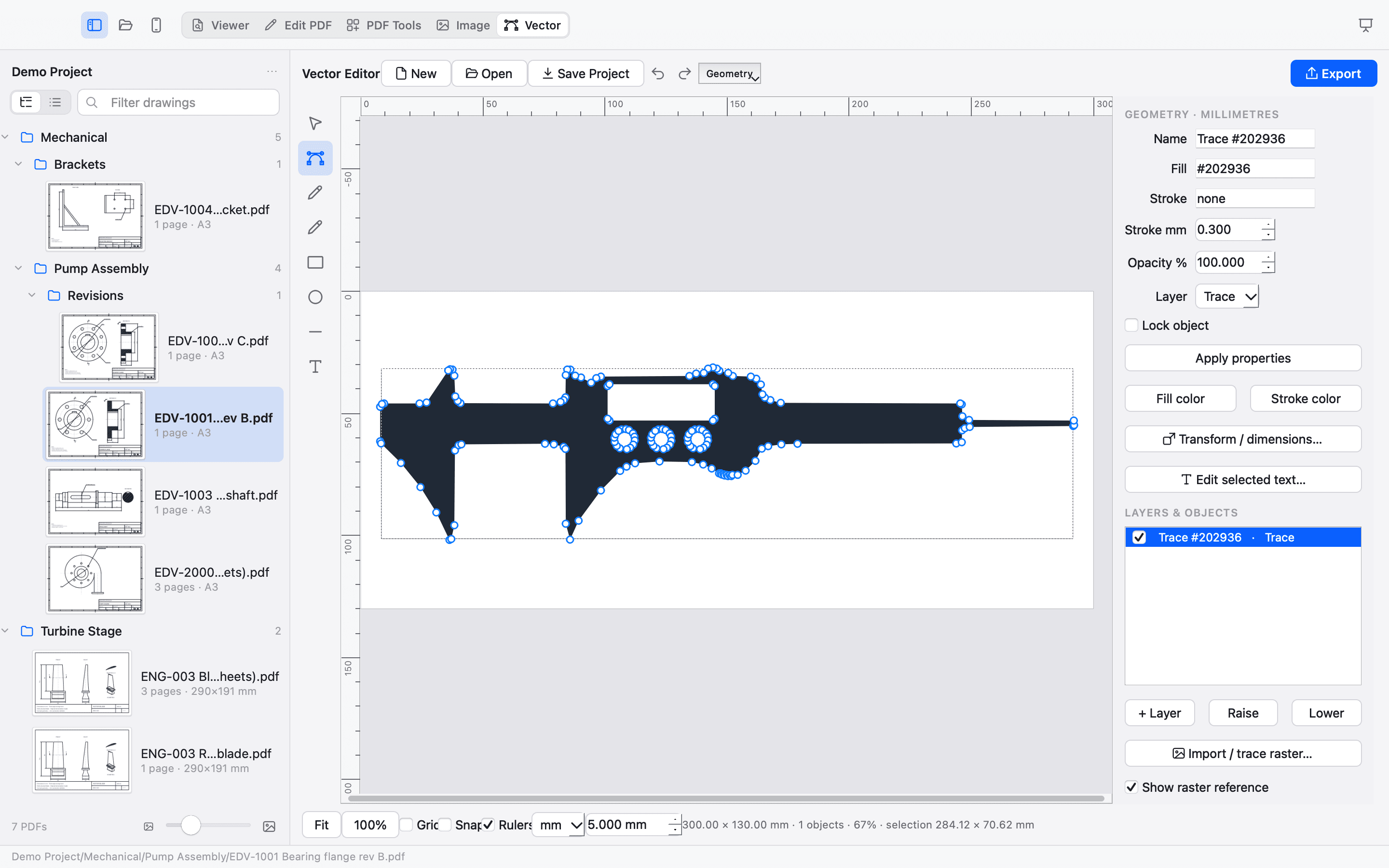
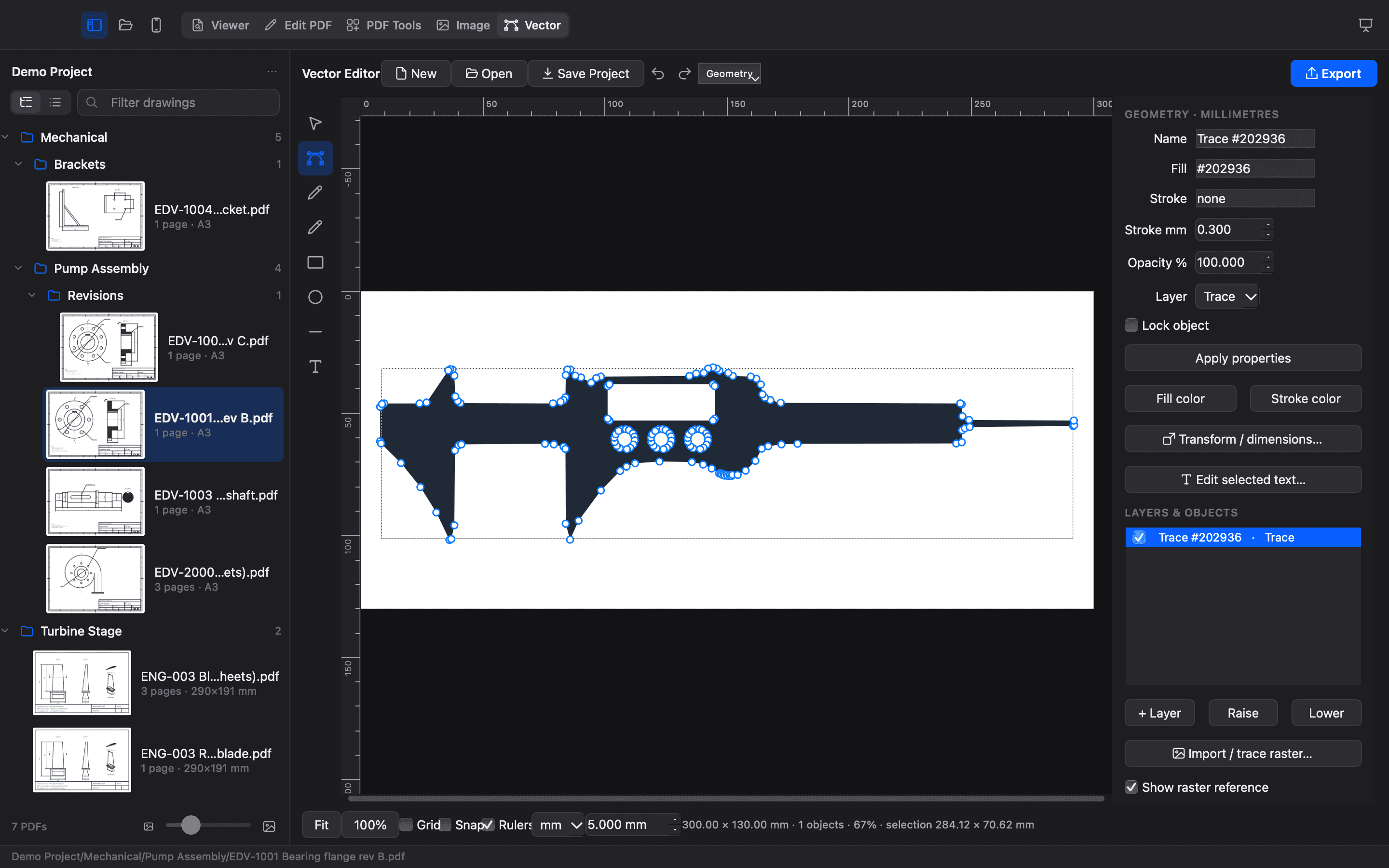
Lines, quadratic and cubic Bézier paths, rectangles, ellipses and text, with node and handle editing, a pen tool, move, rotate, scale, duplicate, group and order. Visible and locked layers, fill, stroke and opacity. Boolean union, difference, intersection and exclusion; text to outlines; path simplification. Rulers in mm, cm or inches, draggable guides, grid snapping and calibration to a known width.
Trace turns an image into editable paths, side by side with the original, with threshold, colour and edge modes, background removal, noise removal, smoothing and simplification, and presets for laser cutting, laser engraving, vinyl cutting, CAD import and illustration. Import and export SVG and DXF; export PDF and PNG; save .engvec projects.
32 tools. All local.
Organize pages, change formats, prepare a print and compare revisions. Every tool creates new output instead of overwriting the input.
Organize Pages
Reorder, rotate, delete, duplicate and insert pages from several PDFs and images, then save one PDF.
Merge
Combine PDFs and images into one PDF, in the order you choose.
Split
Split a PDF into single pages, every N pages or custom ranges.
Extract Pages
Save chosen pages as a new PDF.
Remove Pages
Save a copy without the pages you choose.
Rotate
Turn pages by 90°, 180° or 270°.
Images to PDF
Turn photos, screenshots and scans into a PDF.
Scan with iPhone
Use your iPhone’s camera to scan paper drawings straight into a PDF (Continuity Camera).
Office to PDF
Convert Word, Excel, PowerPoint and OpenDocument files to PDF.
PDF to Images
Save pages as PNG, JPEG or TIFF images.
PDF to Word
Create an editable Word document (.docx).
PDF to Excel
Pull tables — BOMs, title blocks, schedules — into Excel (.xlsx).
PDF to PowerPoint
One slide per page, with the filename as an editable title.
PDF to Text
Extract all text as plain text or Markdown.
Extract Images
Save the pictures embedded in a PDF.
Compress
Make PDFs smaller for email. Drawings stay sharp.
Make Searchable (OCR)
Recognise text in scans so you can search and copy it.
Repair
Rebuild damaged PDFs that will not open properly.
Flatten
Burn comments, markups and form fields into the page.
Page Numbers
Number pages in a corner of your choice.
Watermark & Stamp
Add DRAFT, APPROVED, SUPERSEDED… or your own text or logo.
Crop
Trim white margins automatically, or cut fixed margins.
Resize to Sheet
Scale pages onto a standard sheet such as A3 or Letter. Lines stay vector.
Tile for Printing
Print a large sheet on A4/A3 paper as overlapping tiles with cut marks.
Pages per Sheet
Put 2, 4, 6, 9 or 16 pages on one sheet for overviews.
Overlay PDF
Stamp another PDF — e.g. a title block or approval stamp — onto every page.
Edit Metadata
Change document metadata, or remove defined auxiliary data. Page content still needs review.
Mark Up
Draw, highlight, add callouts and text with MARK, then save as PDF.
Protect
Encrypt with a password (AES-256) and limit printing, copying or editing.
Unlock
Remove the password from a PDF you are allowed to open.
Redact
Remove matching searchable page text. Review images, metadata, annotations and attachments separately.
Compare Drawings
Overlay two revisions: removed lines in red, added in blue, changed areas boxed, plus text changes.
PDF → images supports PNG, JPEG and TIFF at 100–600 DPI. Image → PDF supports PNG, JPEG, TIFF, BMP, GIF, WebP and HEIC (on Windows with Microsoft's free HEIF extensions). PDF → DOCX, XLSX, PPTX, TXT and Markdown extract what the PDF contains. Compress shrinks drawings for e-mail; the Image Editor exports JPEG, PNG, TIFF, WebP, BMP, GIF, AVIF and HEIF, optionally to a target file size.
Compare highlights removed and added linework and lists text changes. Its saved report and queue → PDF output are rasterized.
Redact removes matching searchable text and any linework crossing it, then also clears the document's metadata, bookmarks, comments, attachments, links and form fields; Remove Metadata does the same cleanup. Text drawn as lines or inside images can't be found, so check the result before you share it.
Careful with your work.
Everything happens on your computer: PDF processing, image editing, tracing, conversion and PowerPoint generation. There's no account, no telemetry and no cloud processing. Optional AI model packs for the Image Editor run offline and are never downloaded automatically. The app refuses network connections in its own code, in the main window and in every background worker, and its automated tests check that this stays true.
- Drawings open read-only, and every tool writes a new file. Tools refuse to save over an original, even through a shortcut, a link or a name that differs only in capitals.
- Saves are atomic: a file is either completely written or left as it was, and temporary files are cleaned up.
- PDF → Excel stores a drawing's text as plain text, so nothing in it can turn into a live spreadsheet formula or link.
- Protect generates a strong random permissions password when you don't set one.
- Extremely large pages and images are checked before memory is used, so a damaged or extreme file can't exhaust your computer; PDF → Images lowers the resolution for oversized sheets and tells you.
- Conversions that use LibreOffice run in their own contained process and are stopped completely if they take too long.
ENG Drawing Viewer is free software under the GNU AGPL v3 or later. Help › About shows the licence, the third-party notices and where to get the source code.
Four editions. One app.
The same workspaces on every edition, built from one source. What differs is how each fits in with its system.
| Capability | Mac | Windows | Linux |
|---|---|---|---|
| Editions | Universal (Intel + Apple silicon), Apple Silicon | x64 | x86-64 AppImage |
| Requires | macOS 14.4+ | Windows 10 (1809+) or 11 | glibc 2.34+ |
| Viewer, MARK, PDF Tools, PowerPoint, editors | Yes | Yes | Yes |
| Scan with iPhone | Continuity Camera | — | — |
| Send slides to an open PowerPoint | Yes | Yes | — |
| OCR (Make Searchable) | Apple Vision | Bundled Tesseract (7 languages) | Bundled Tesseract (7 languages) |
| HEIC photos in the Viewer | Built in | Microsoft's free HEIF/HEVC extensions | Bundled libheif |
| Spelling in comments | macOS spelling | Windows spelling | Built-in English |
| Signing | Ad hoc, not notarized | Not code-signed | SHA-256 checksums |
Available now: Mac Apple Silicon 2.3.1, Windows 2.3.1, Linux 2.3.1. A Universal Mac edition is coming soon.Windows and Linux are tested automatically; hands-on testing on everyday PCs and Linux desktops is ongoing.
Choose your edition ↗